
Setting Up Auto Deployment For iOS - Nowa
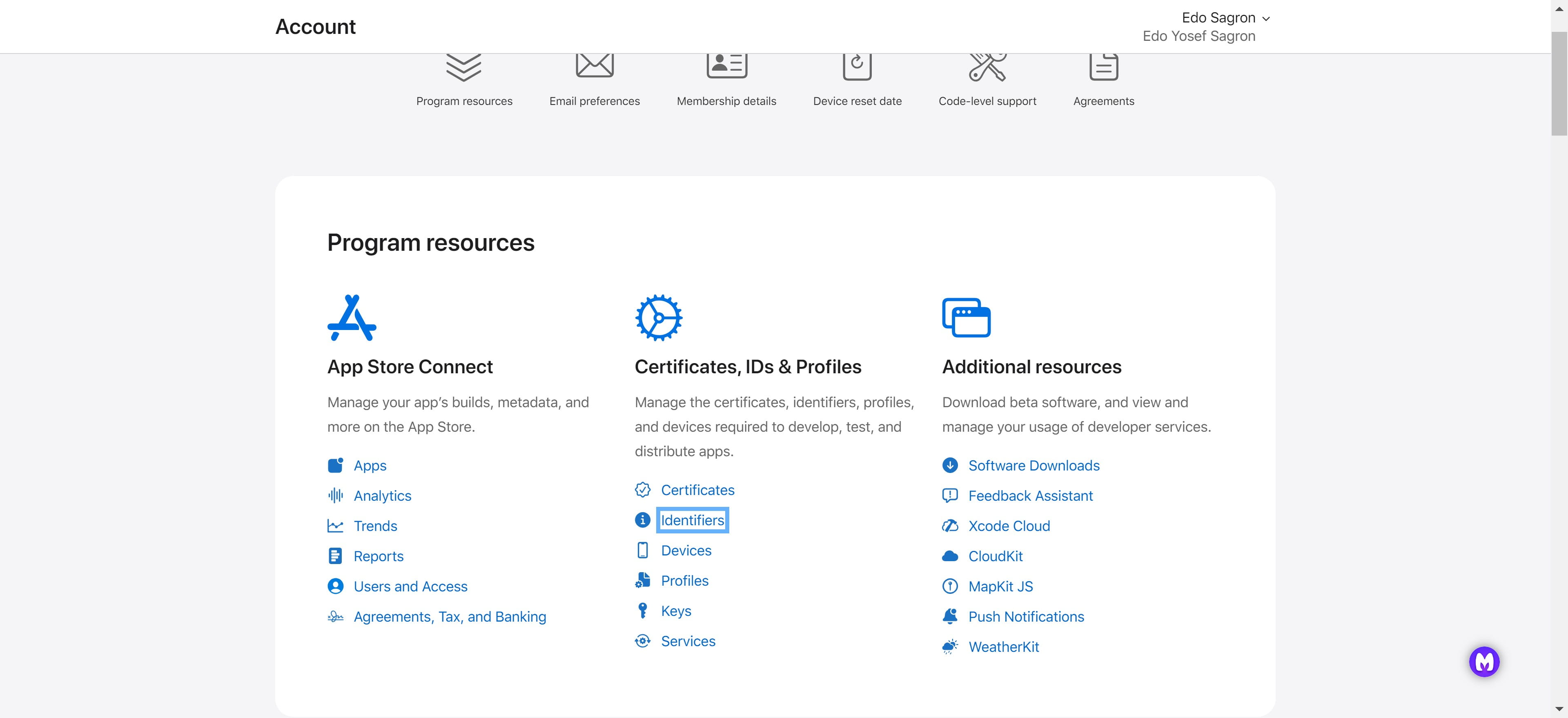
Navigate to https://developer.apple.com/account
Click on "Identifiers"
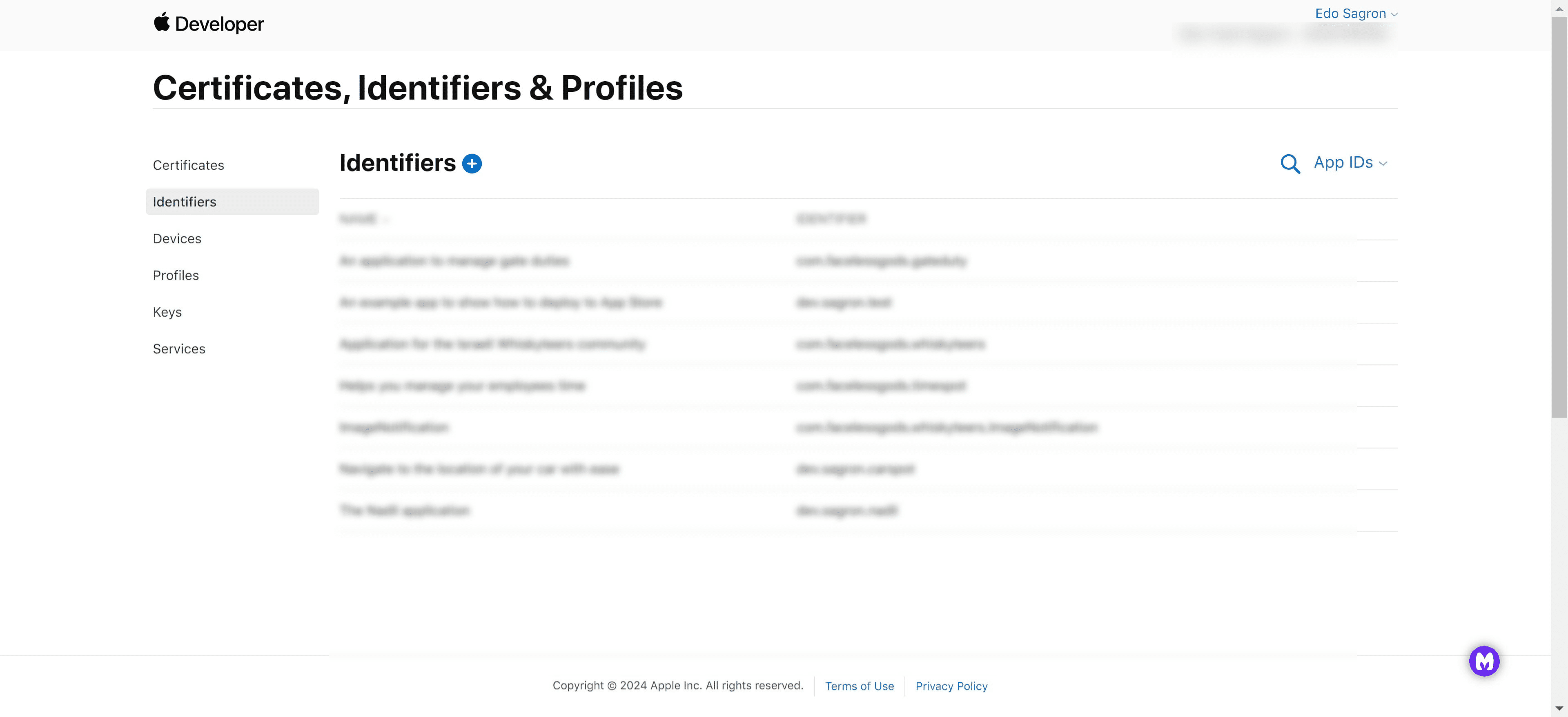
Click on the "+" icon to add a new Identifier
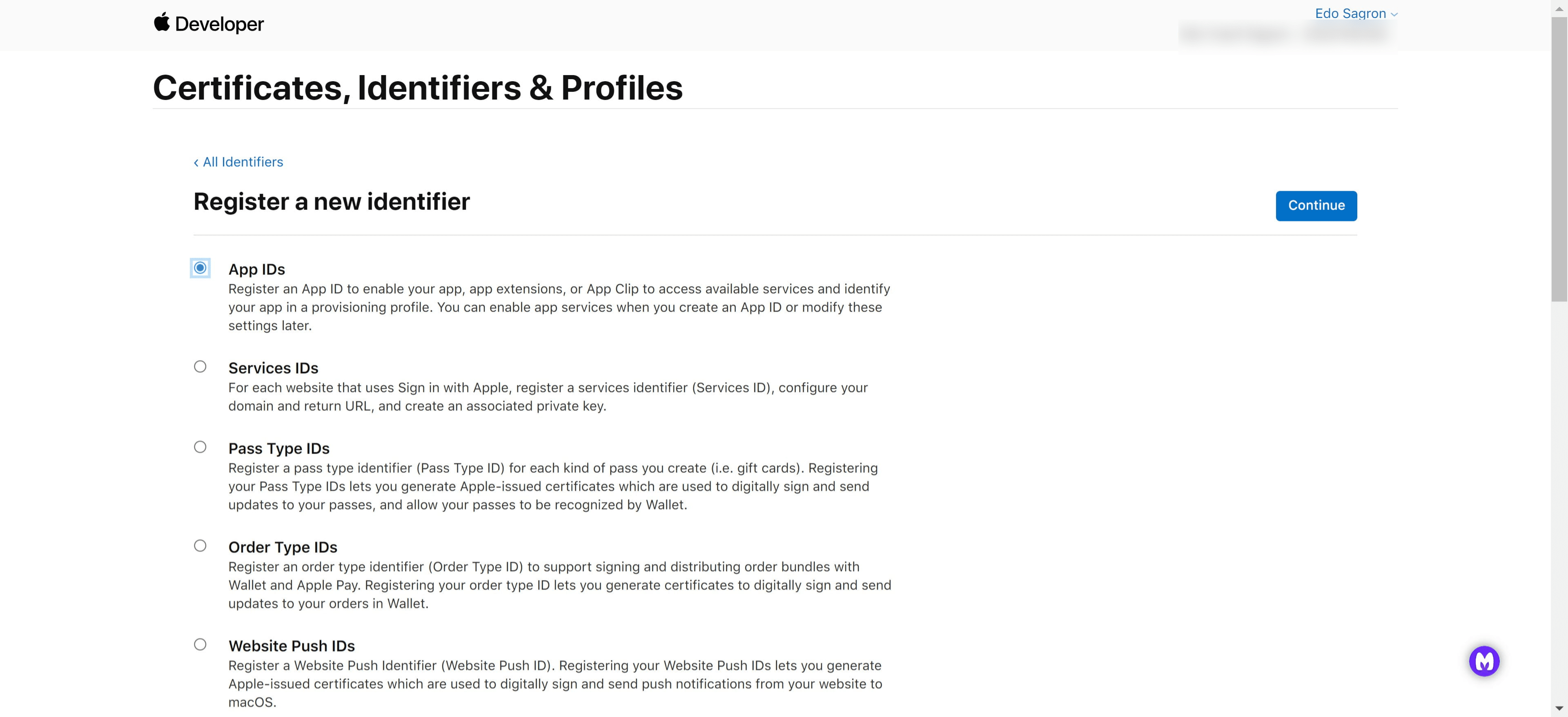
Choose the "App IDs" option
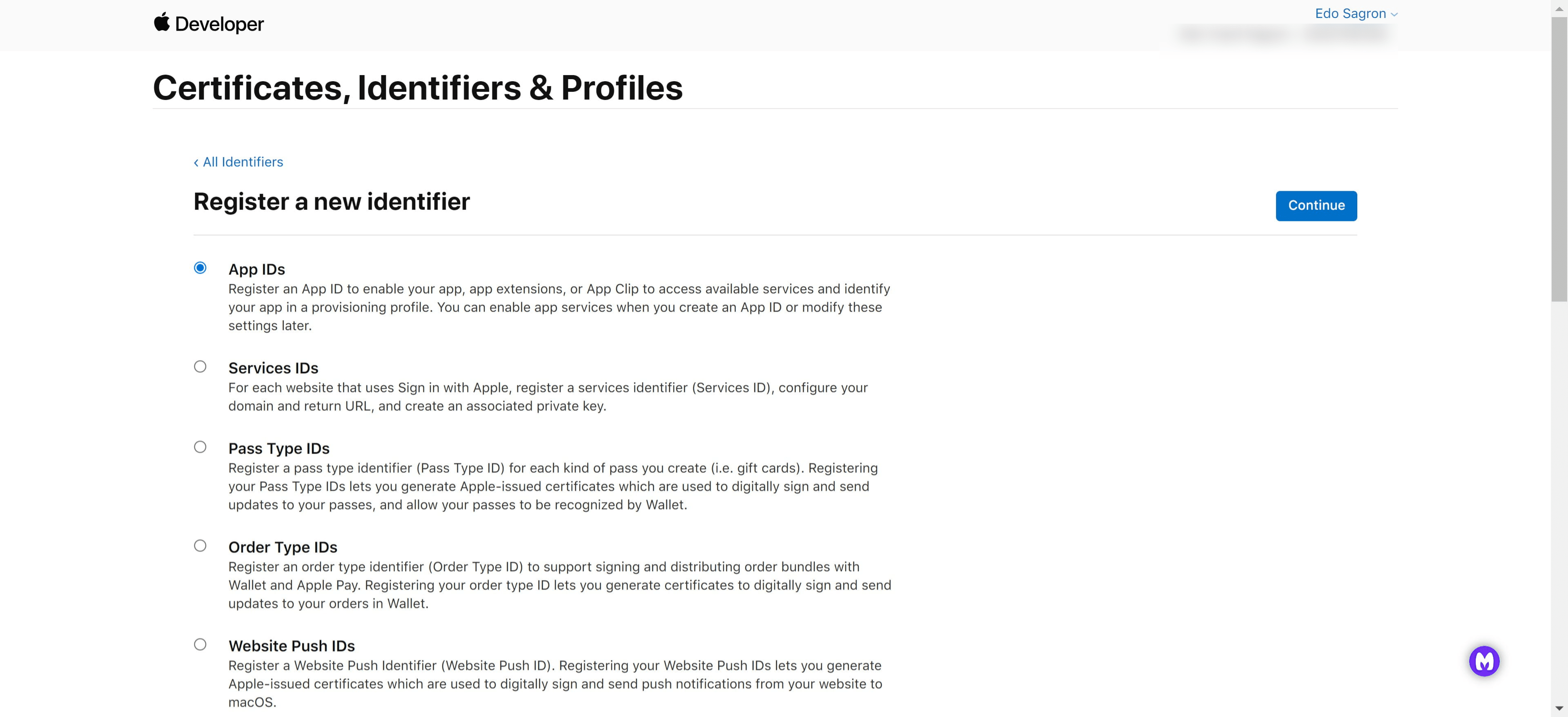
Click on "Continue"
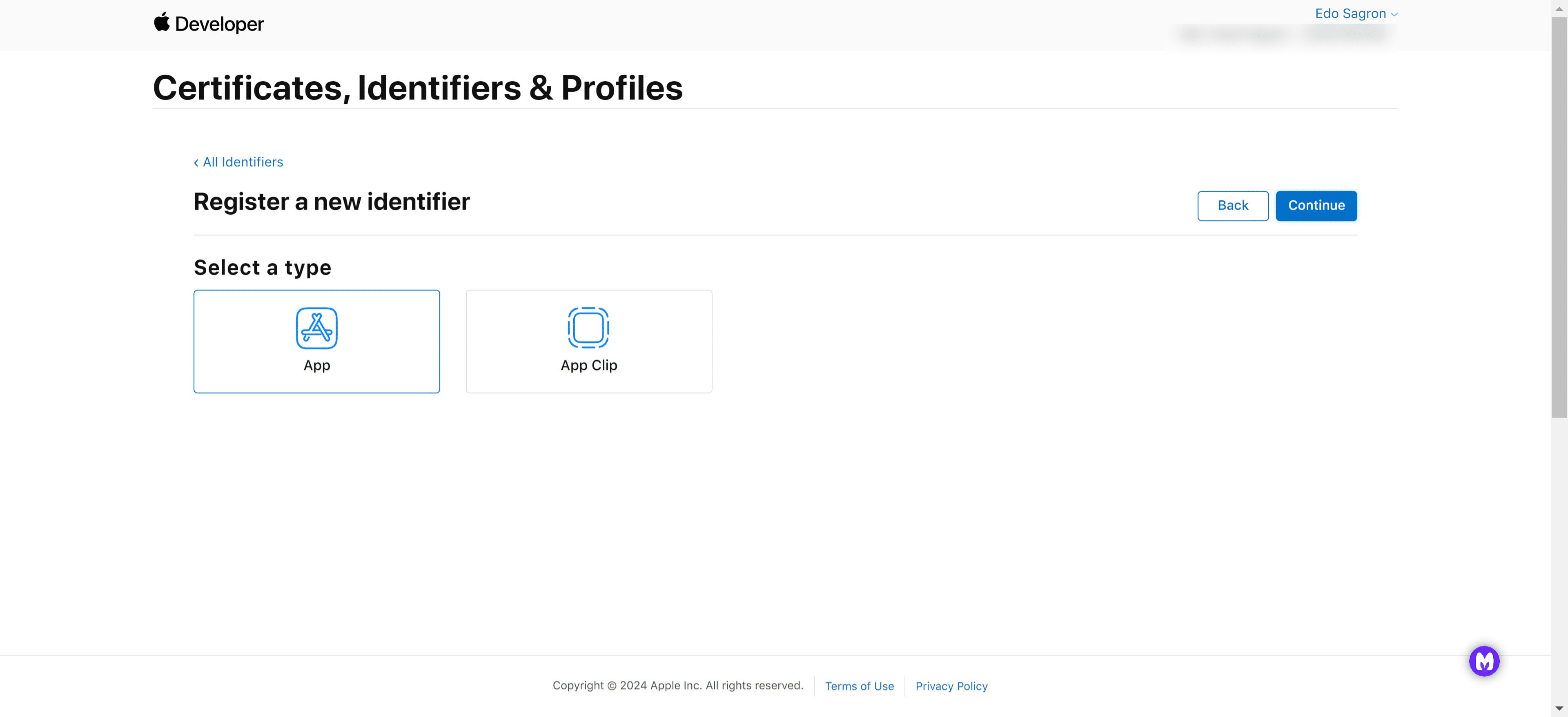
Select the "App" type
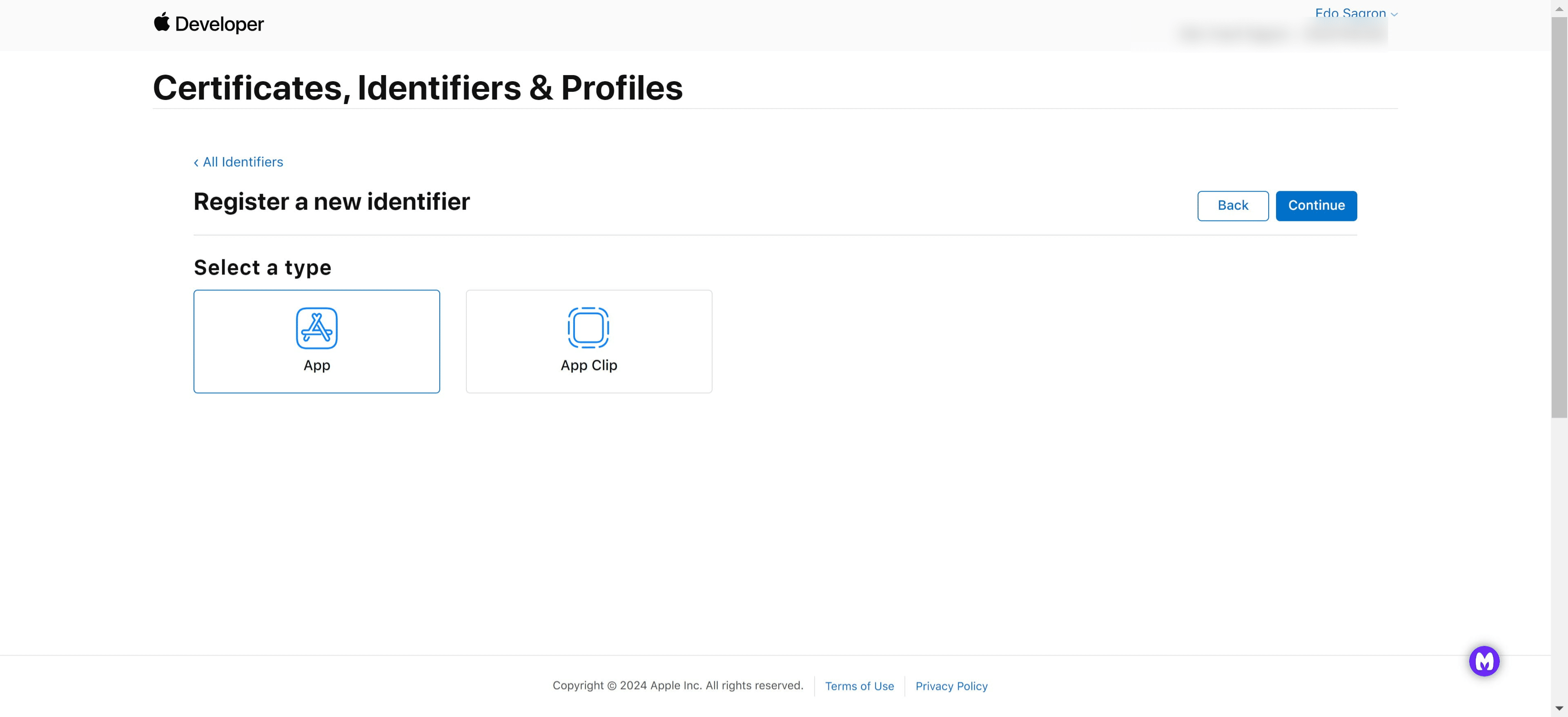
Click on "Continue"
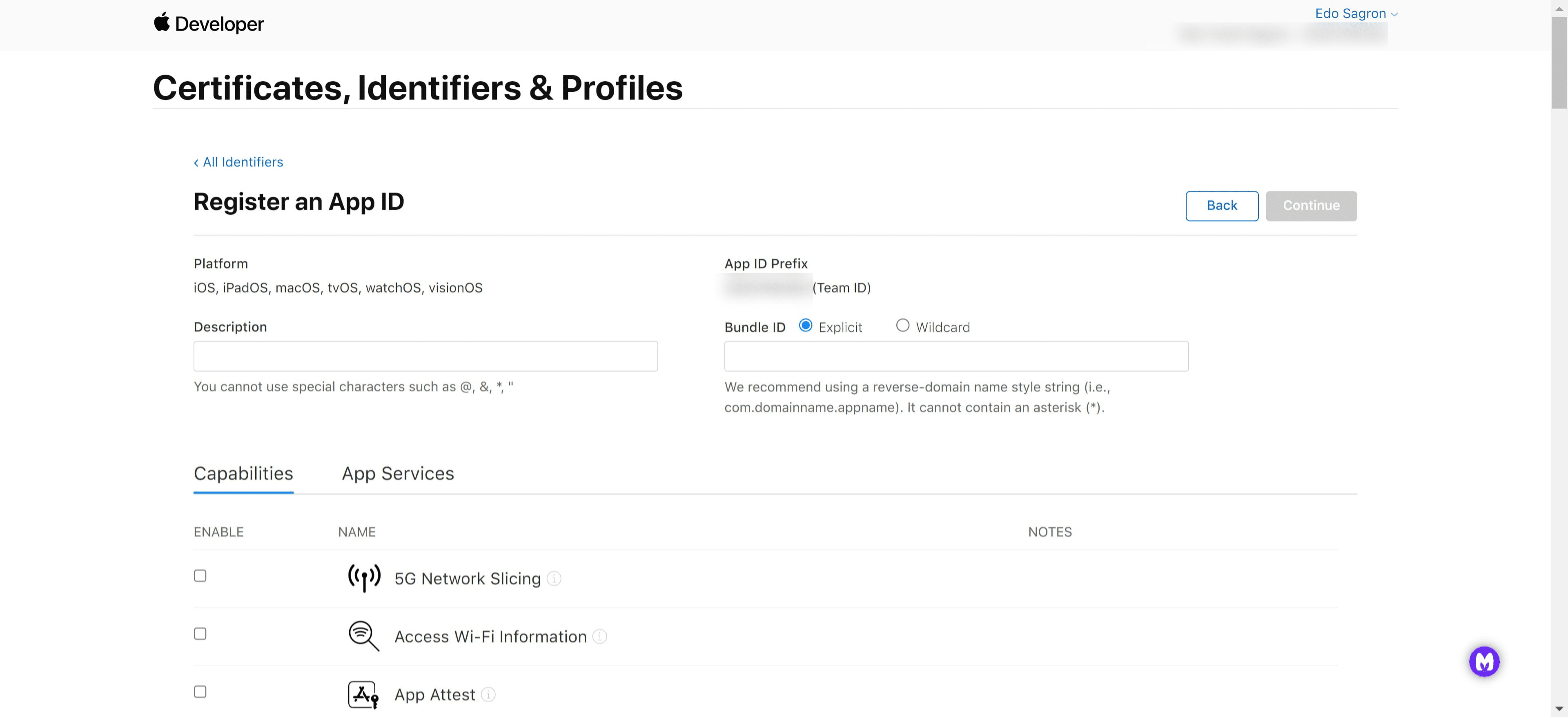
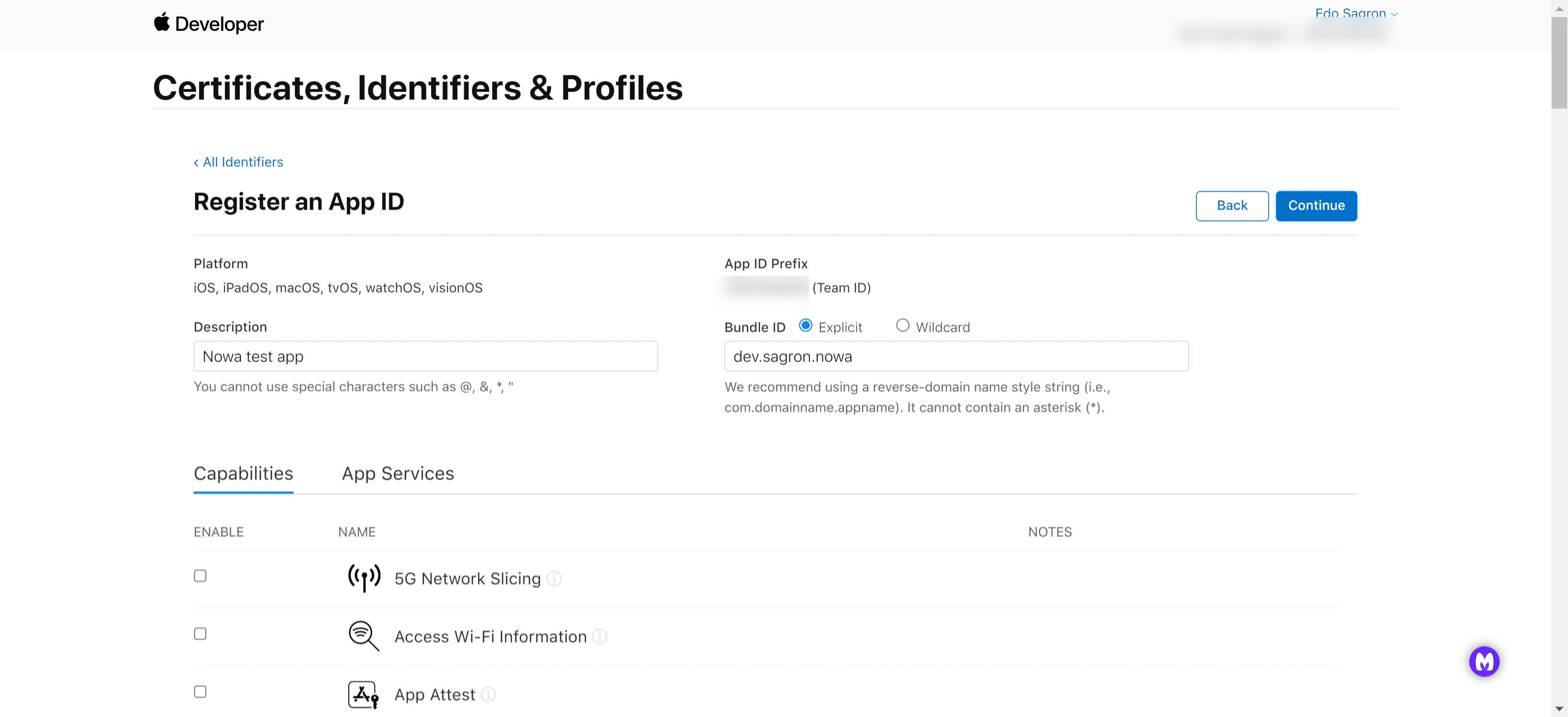
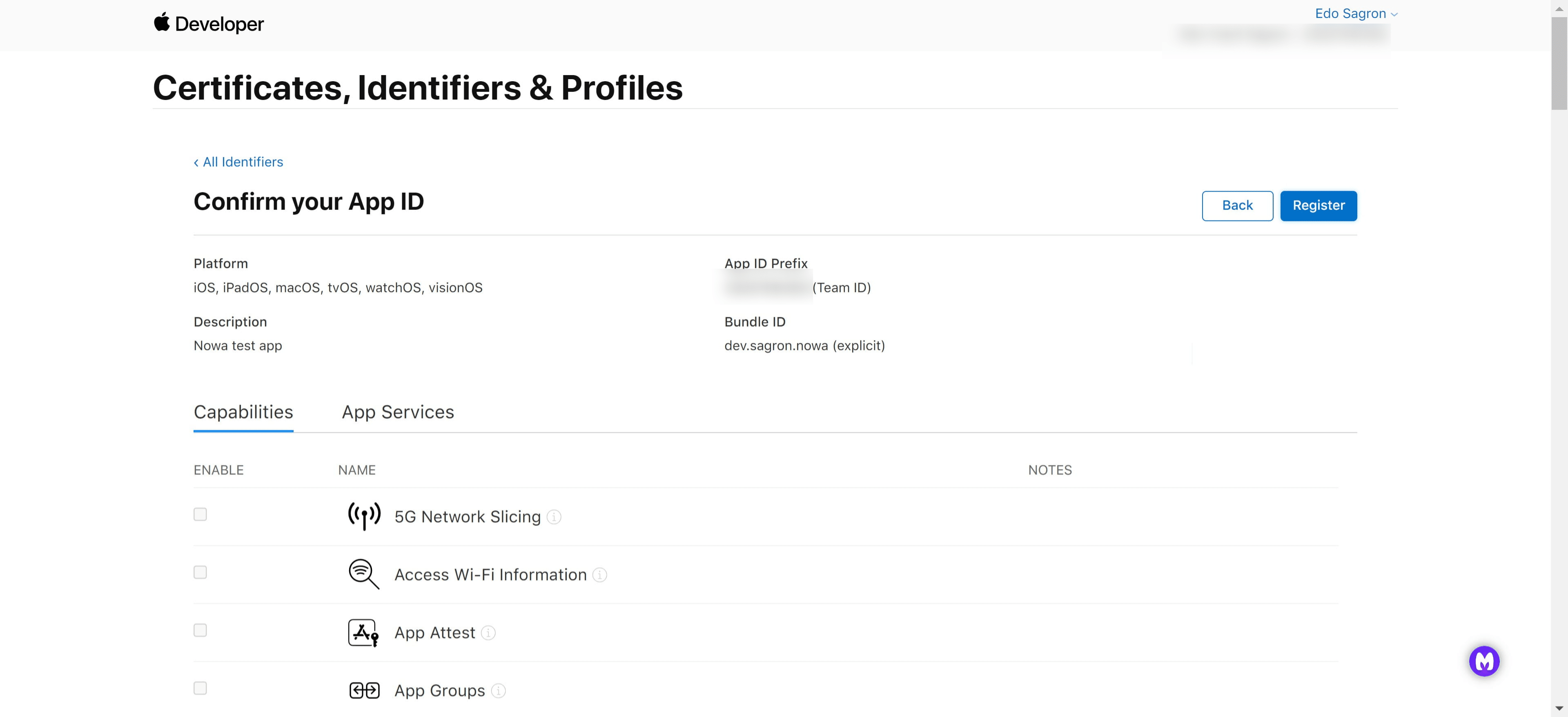
Fill in the description and Bundle ID - The Bundle ID is the package path (dev.sagron.nowa)
Under "Capabilities" choose what your app needs and once you're done, click on "Continue"
Make sure everything is correct and if it is, click on "Register"
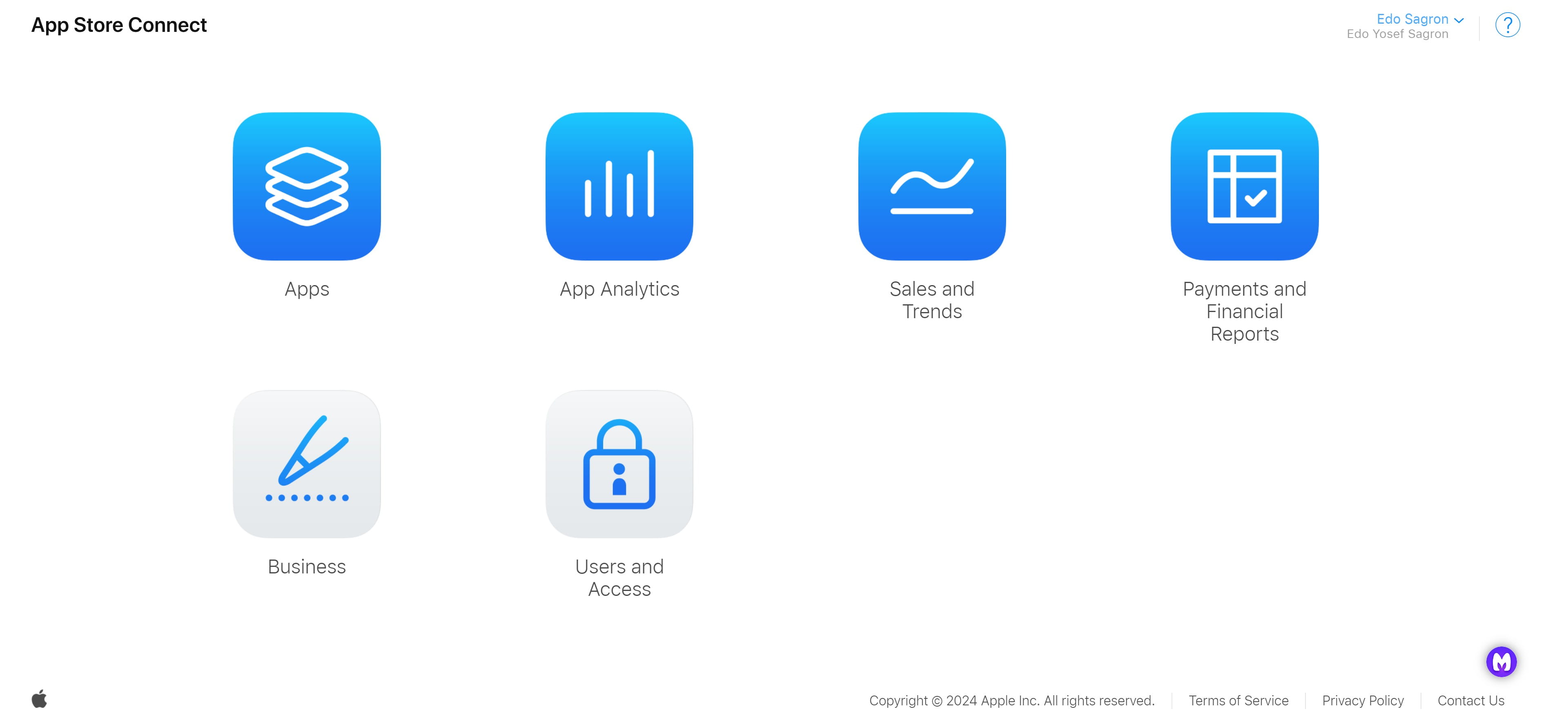
Now navigate to https://appstoreconnect.apple.com and click on "Apps"
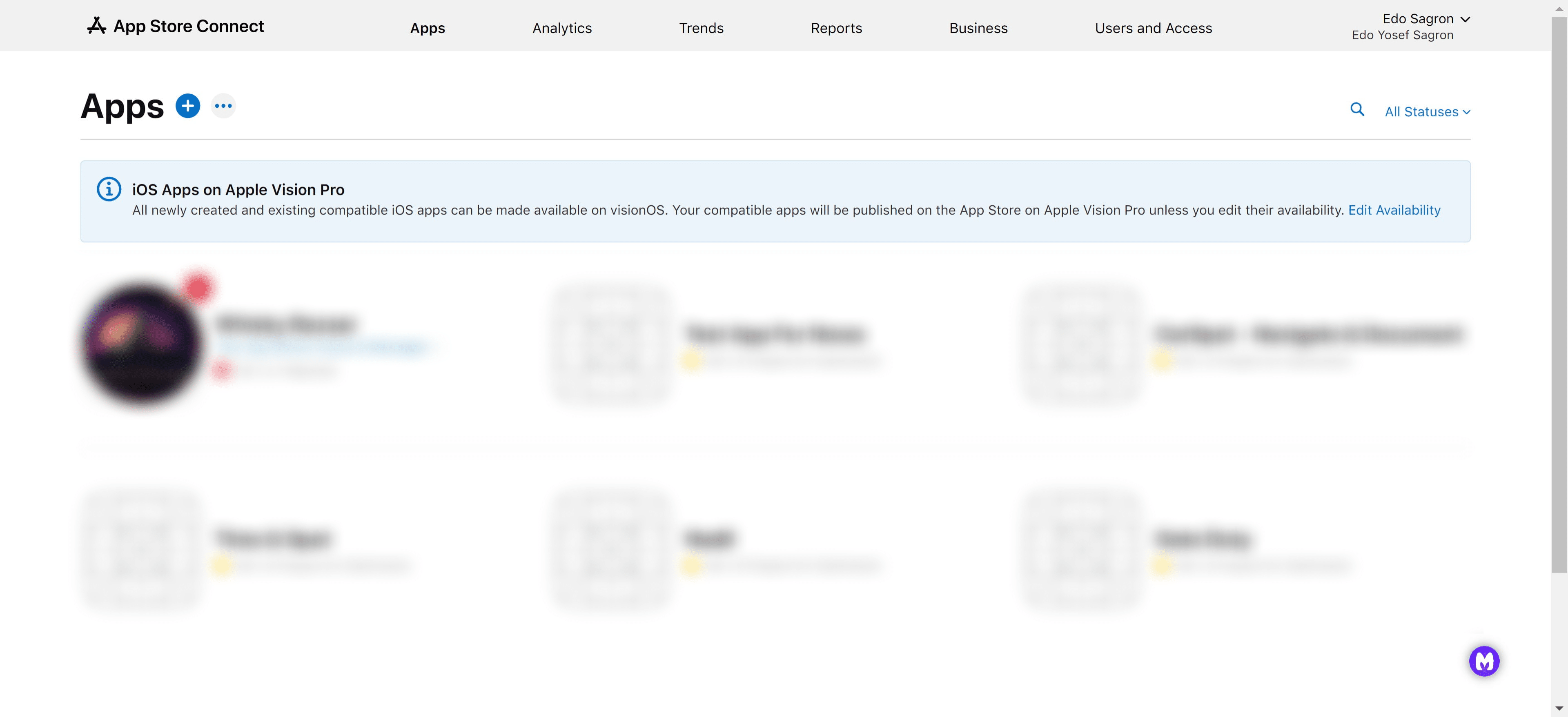
Add a new app by clicking the "+" icon
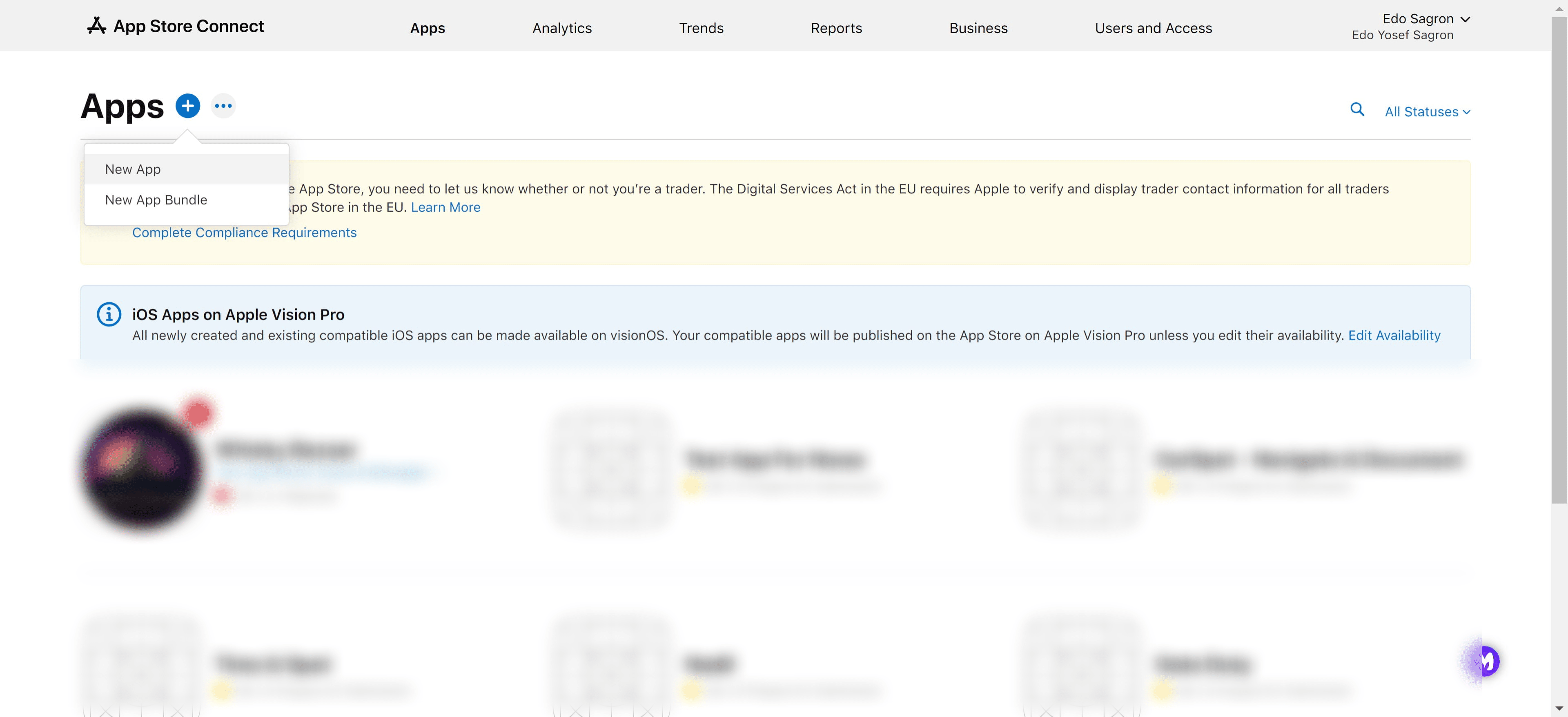
Click on "New App"
Choose the desired platforms, for us it'll be "iOS", so click the little checkbox next to it
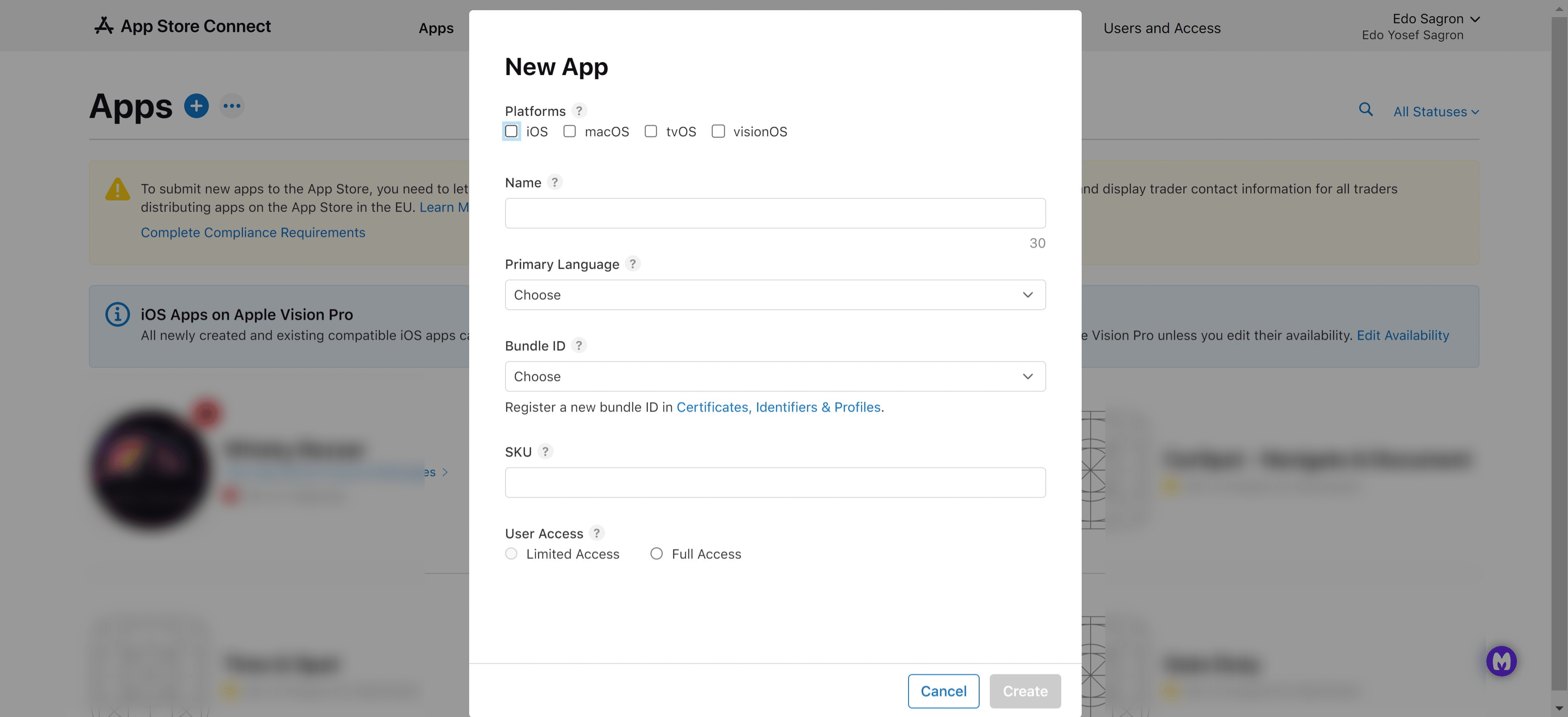
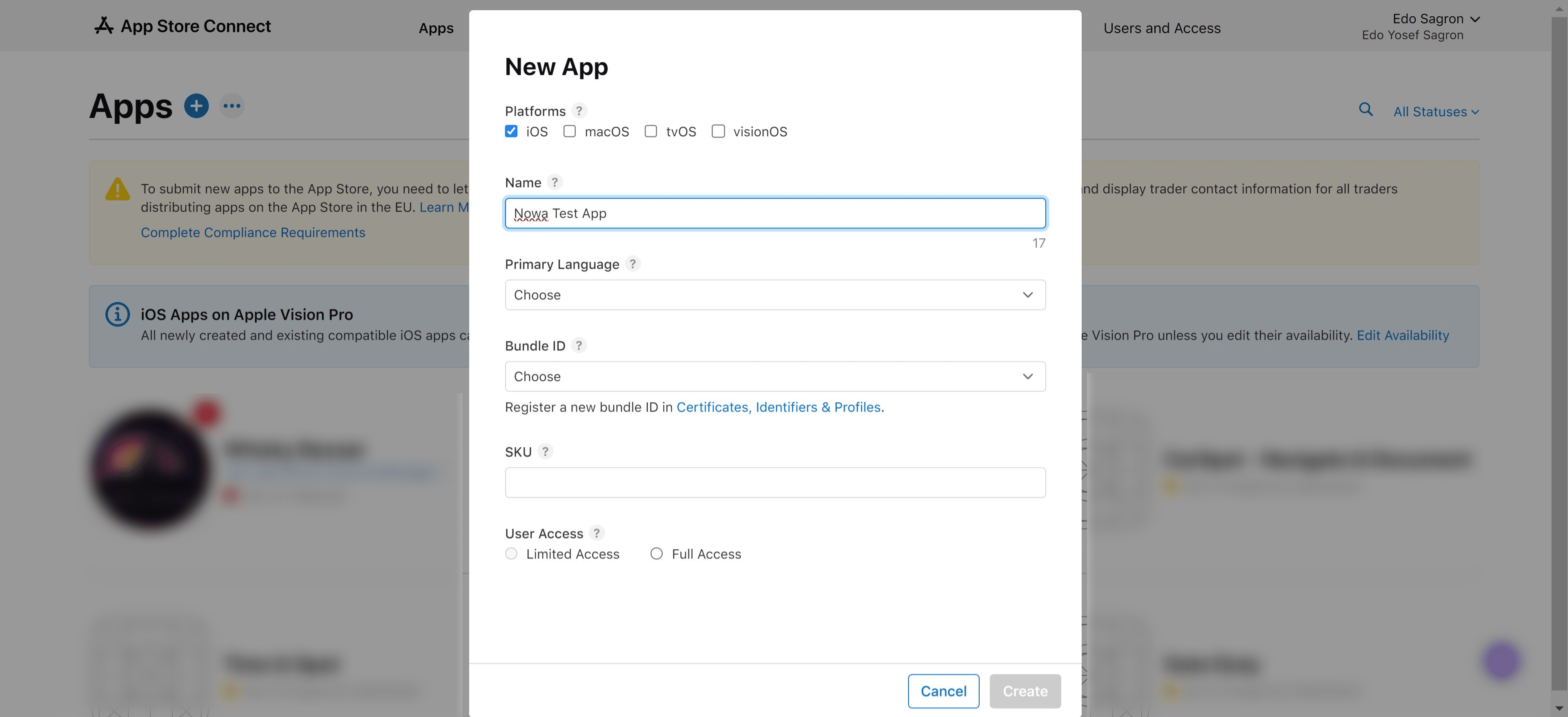
Name your app, it has to be a unique name that's not already taken on the App Store
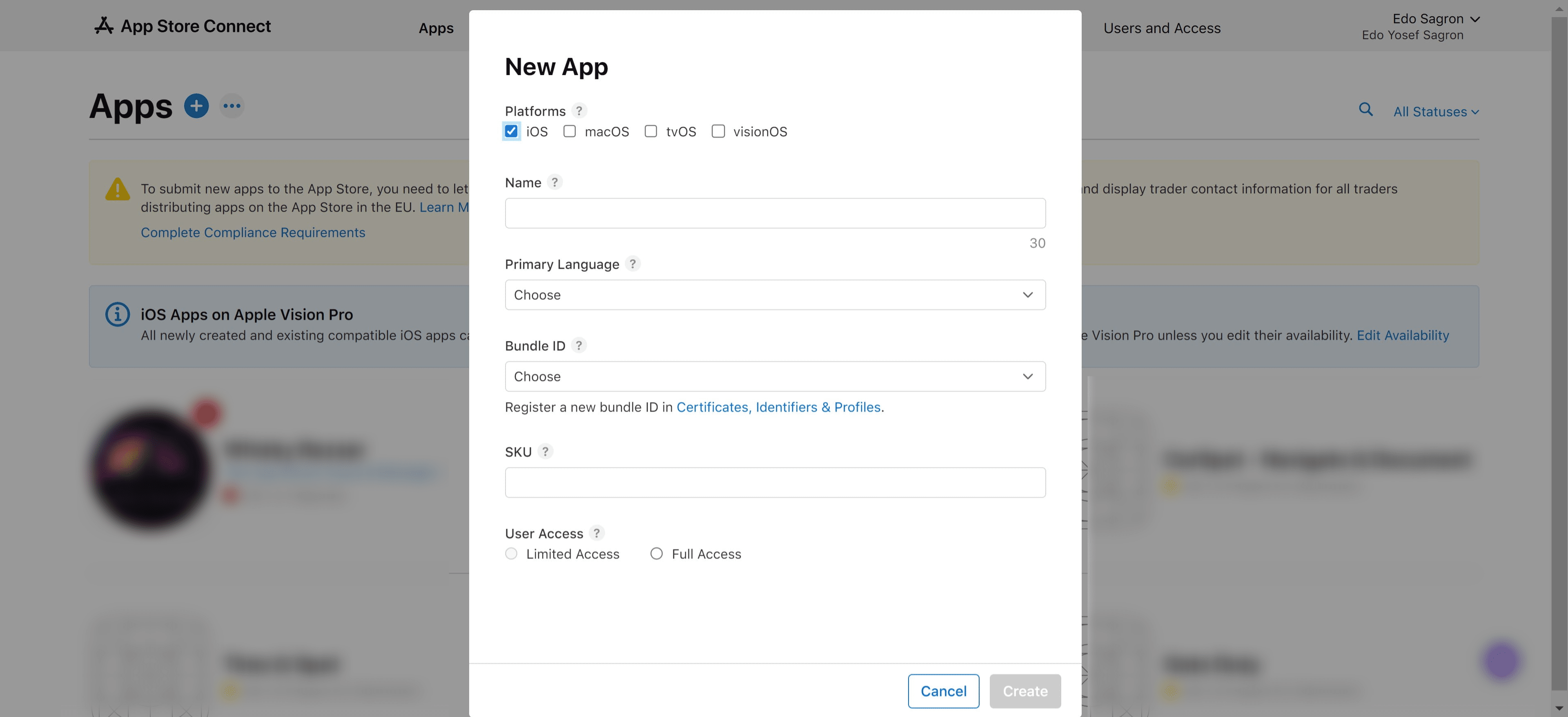
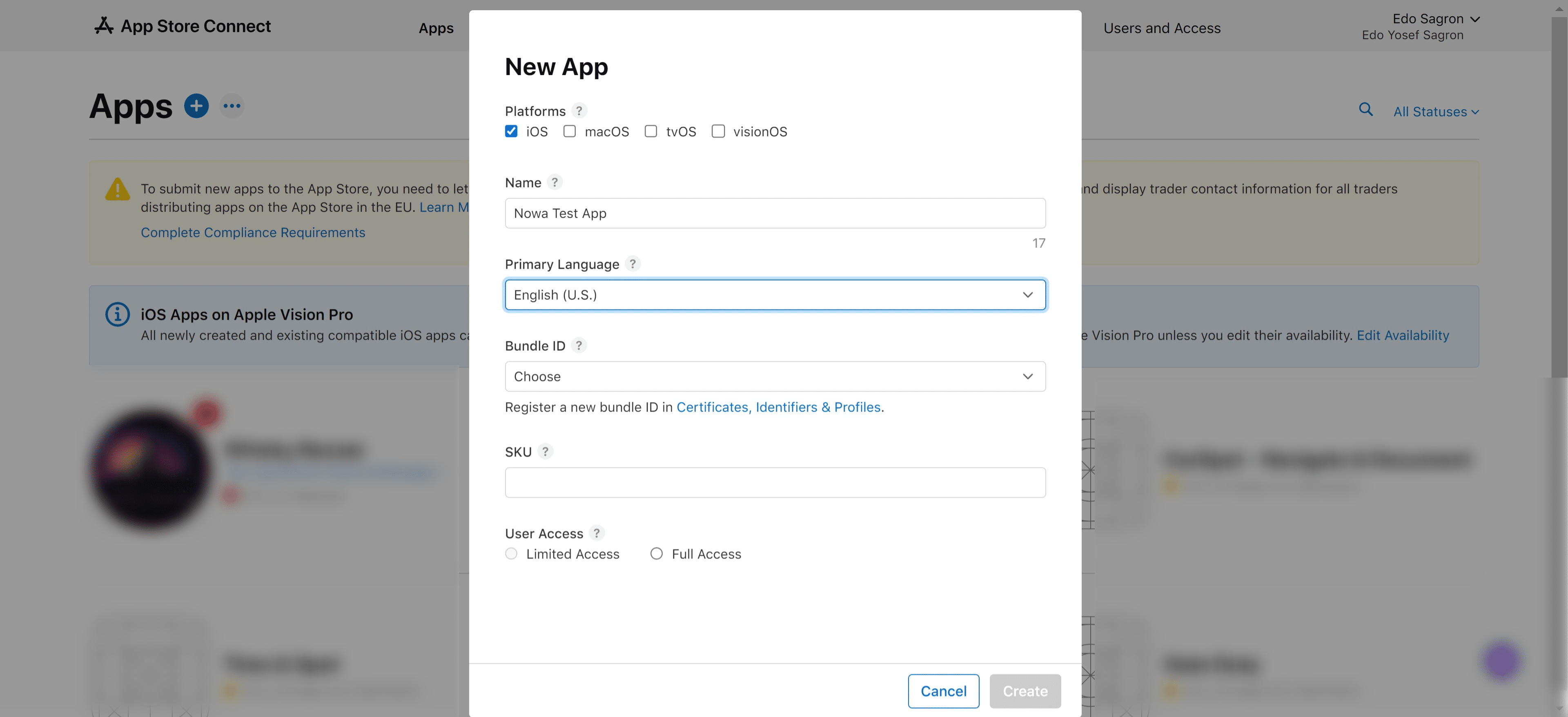
Choose the apps primary language
Pick the Bundle ID we created in the previous stages from the dropdown list
Choose an SKU, this should be a unique ID for your app
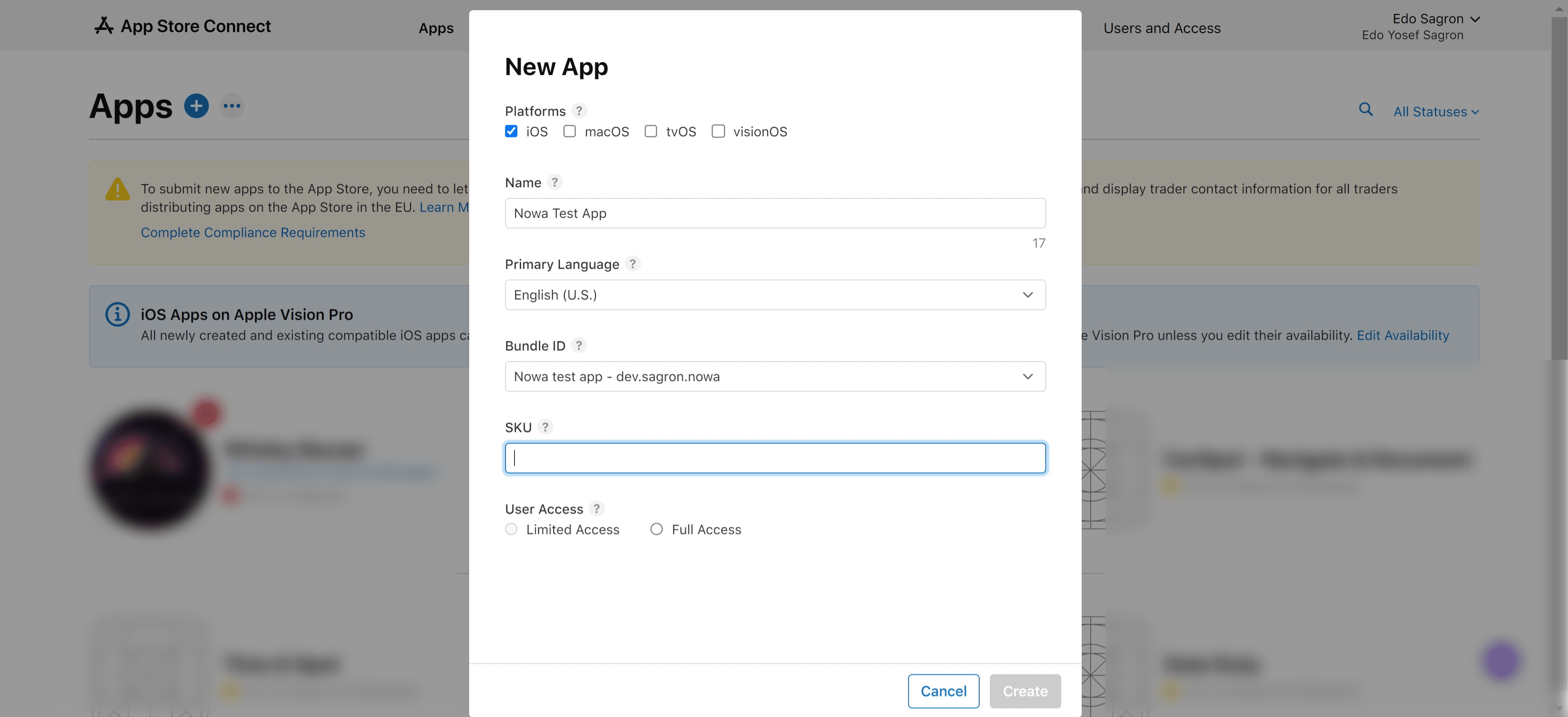
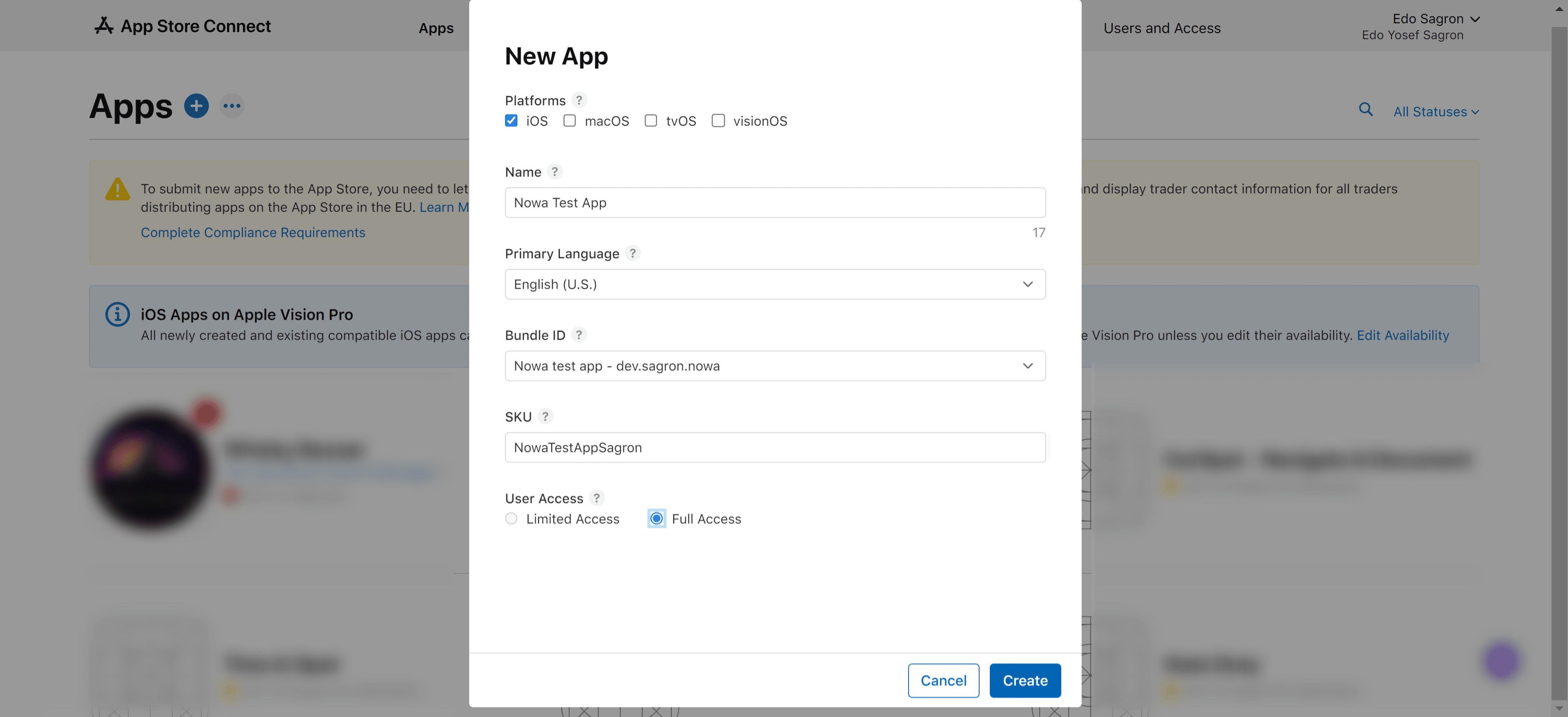
User Access is only valid if you have other users on your developer account, so you can decide which users can access this application
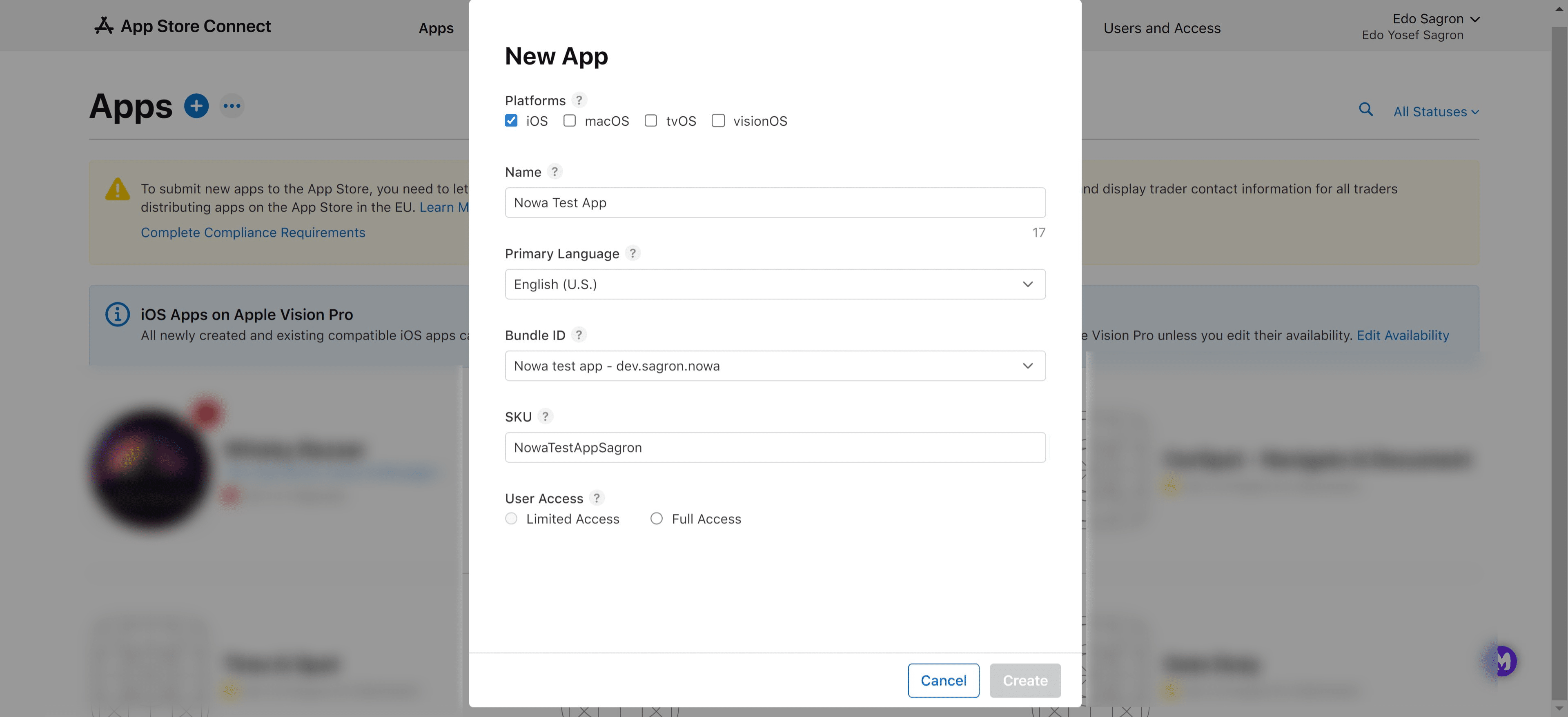
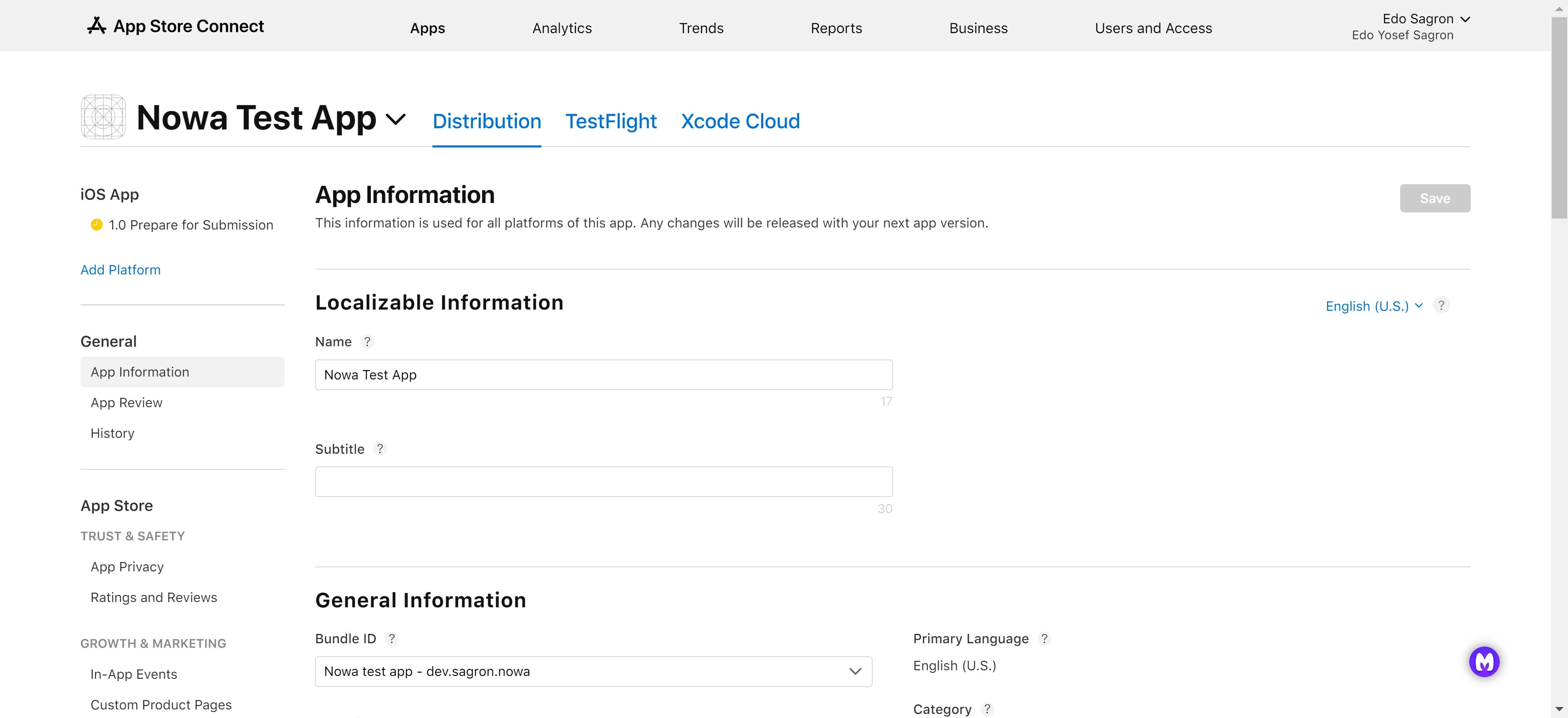
Click on "Create"
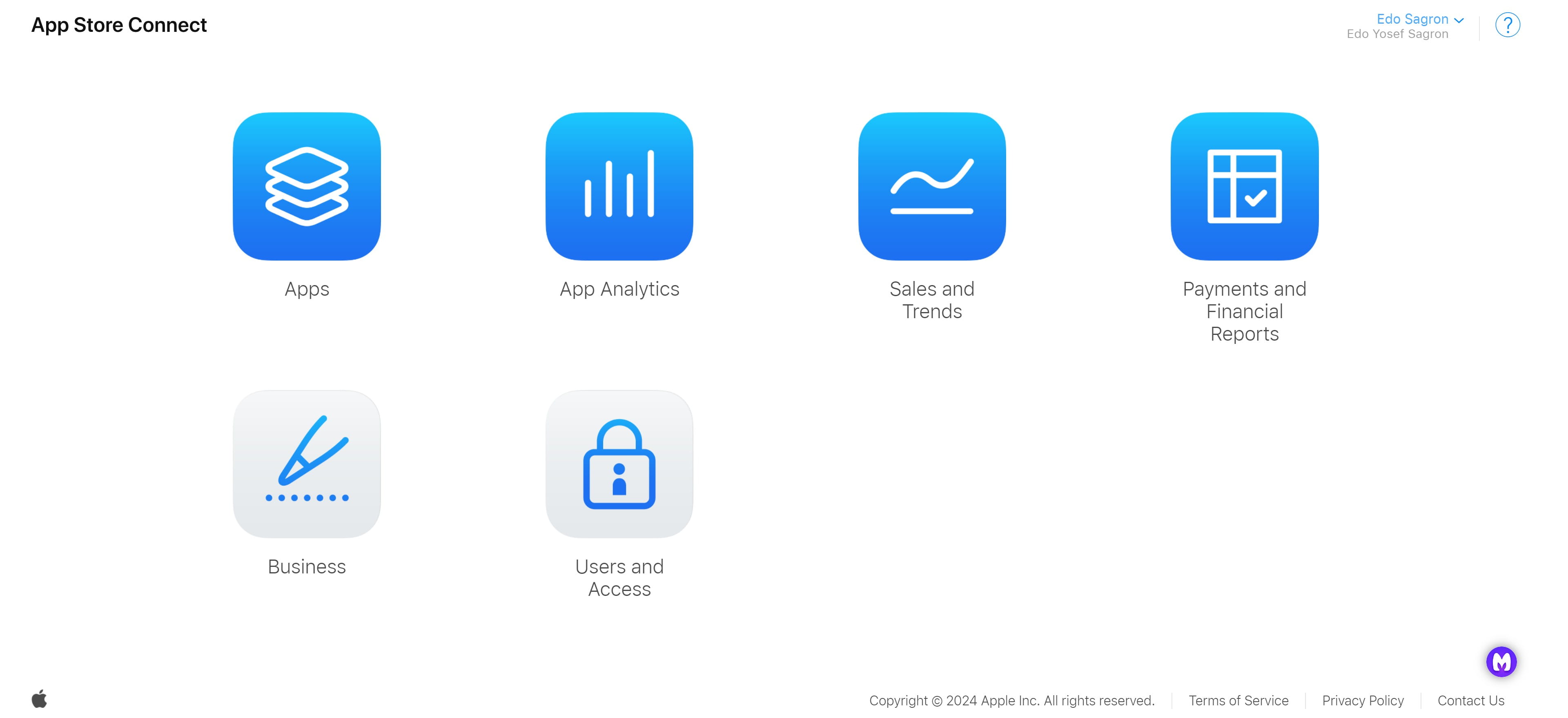
Go back to the "App Store Connect" main page
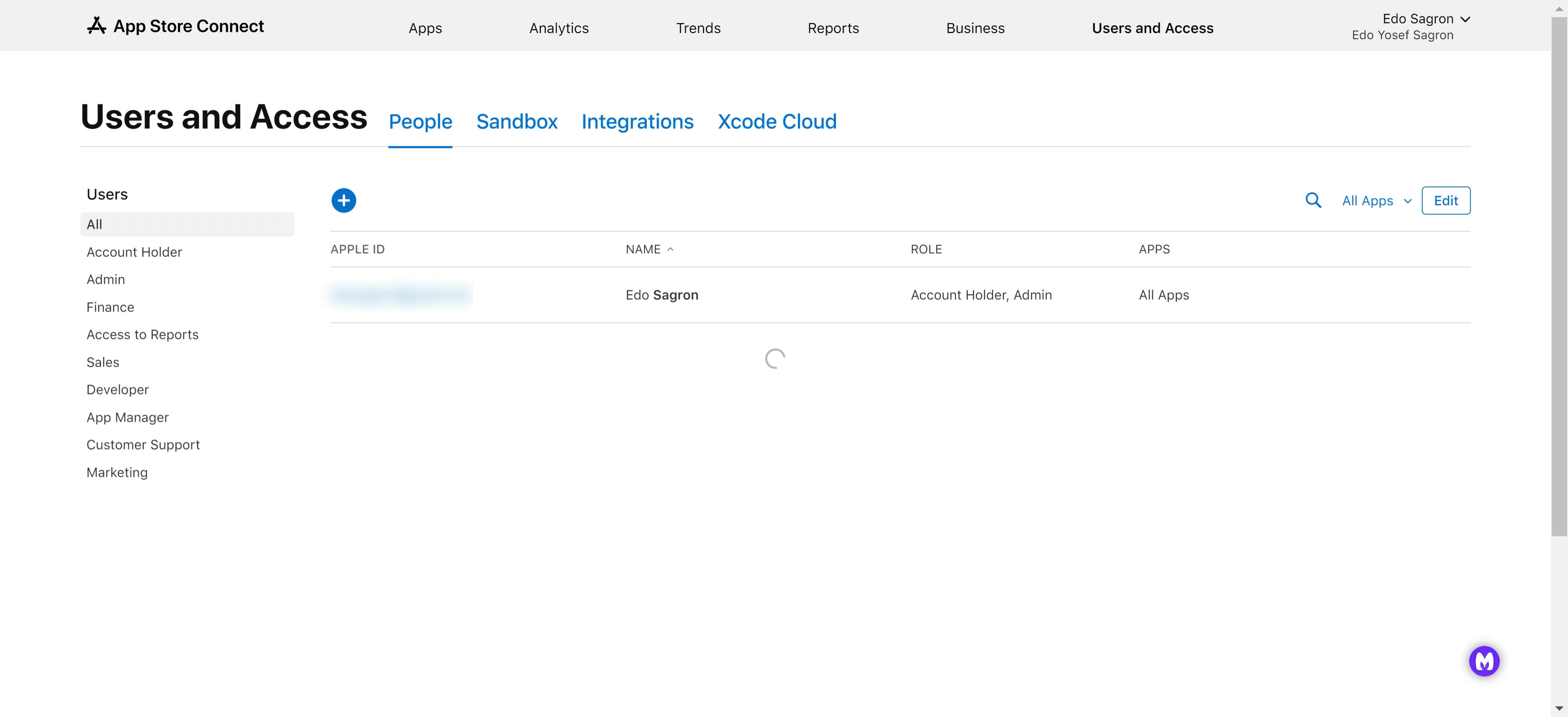
Go to "Users and Access"
Click on "Integrations"
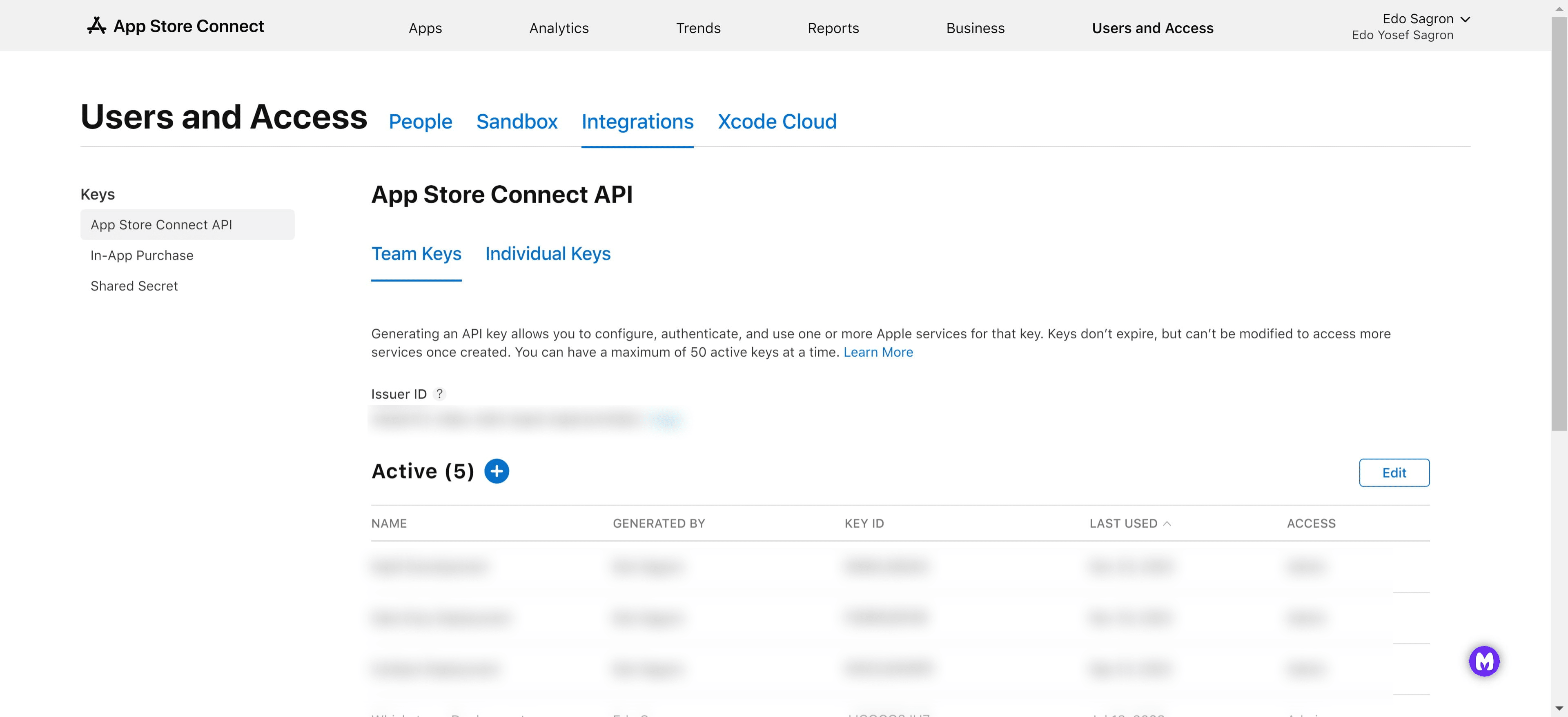
Click on the "+" icon and create a new key
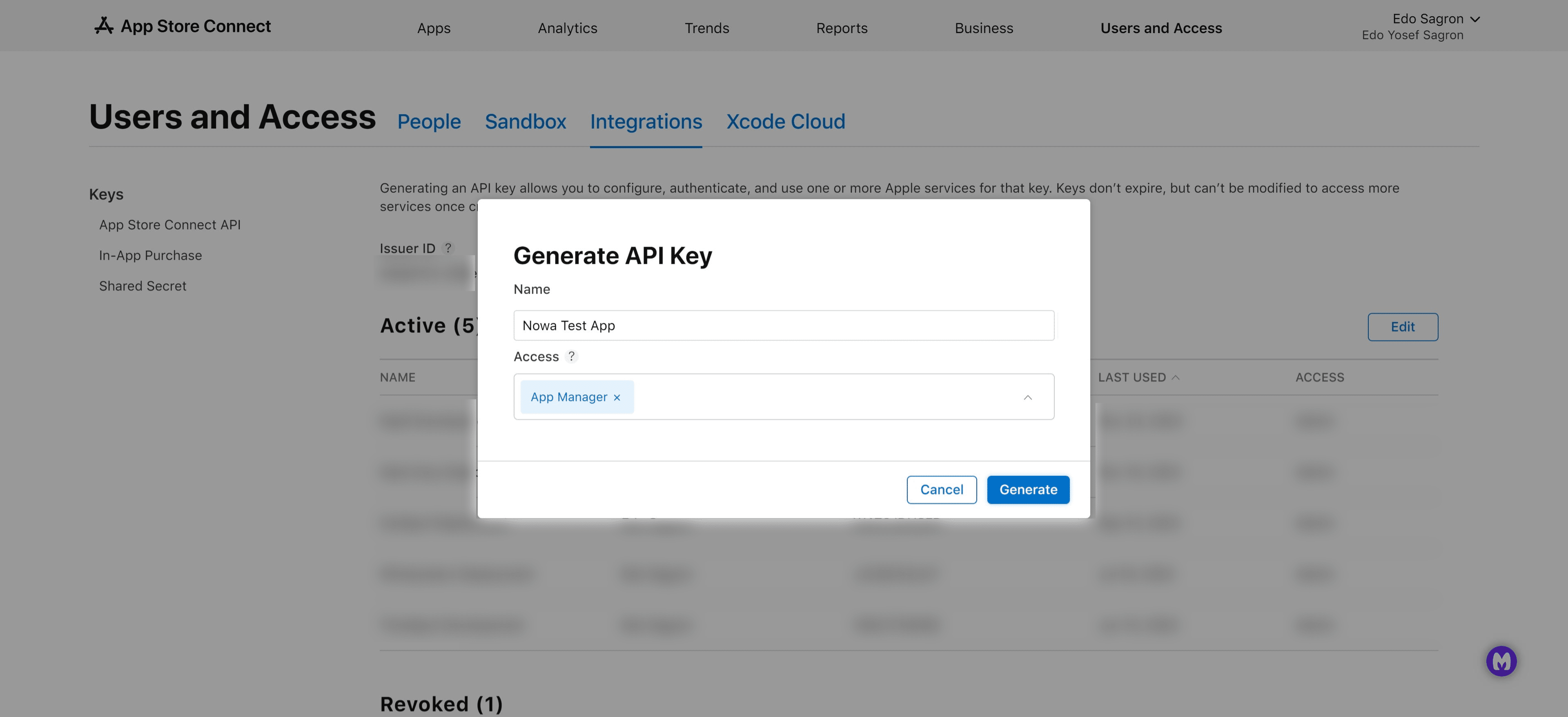
Fill in the name you'd like to give this key, and under "Access", choose "App Manager" or "Admin" to give the proper permissions to Nowa to deploy your app, once you're done, click on "Generate"
Click on download and make sure you save the downloaded file somewhere safe, you won't be able to download it again!
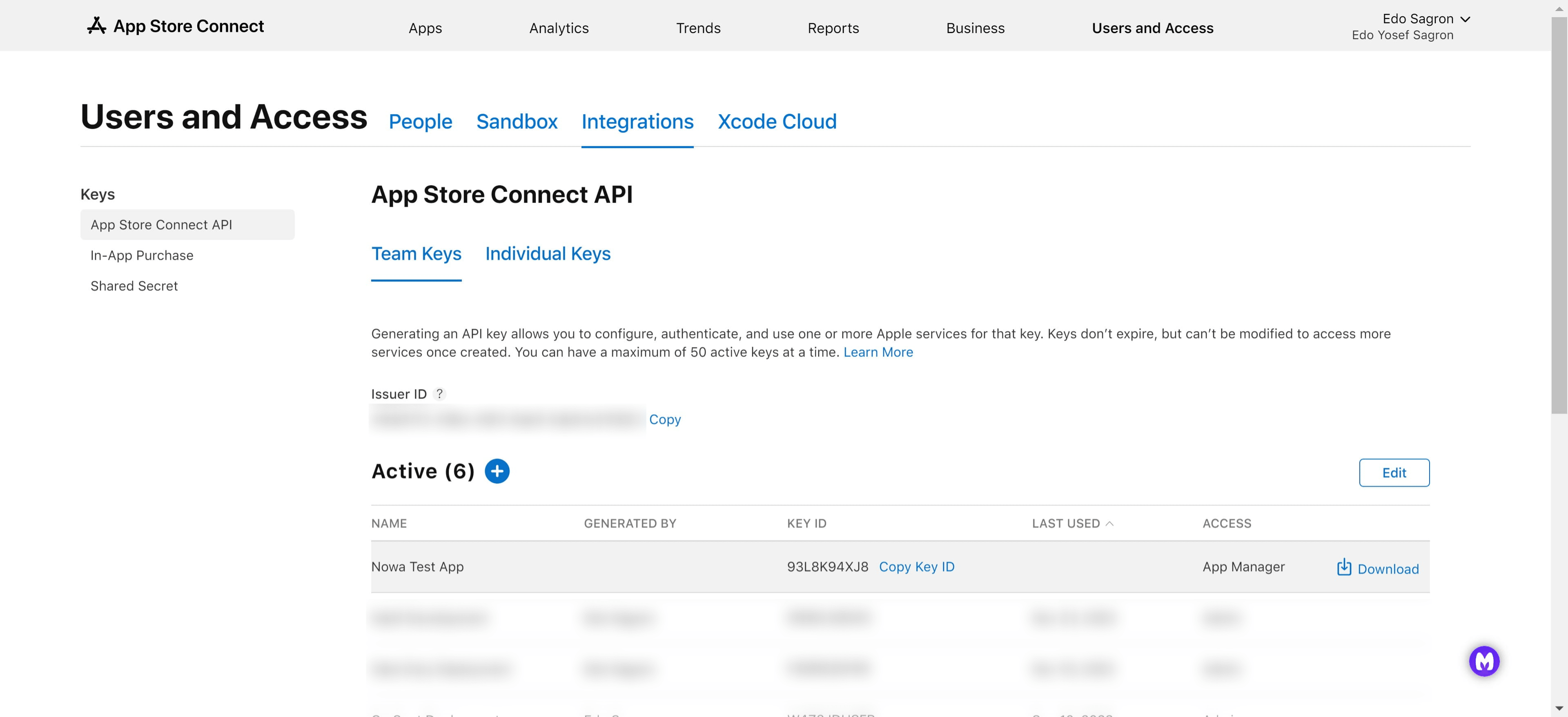
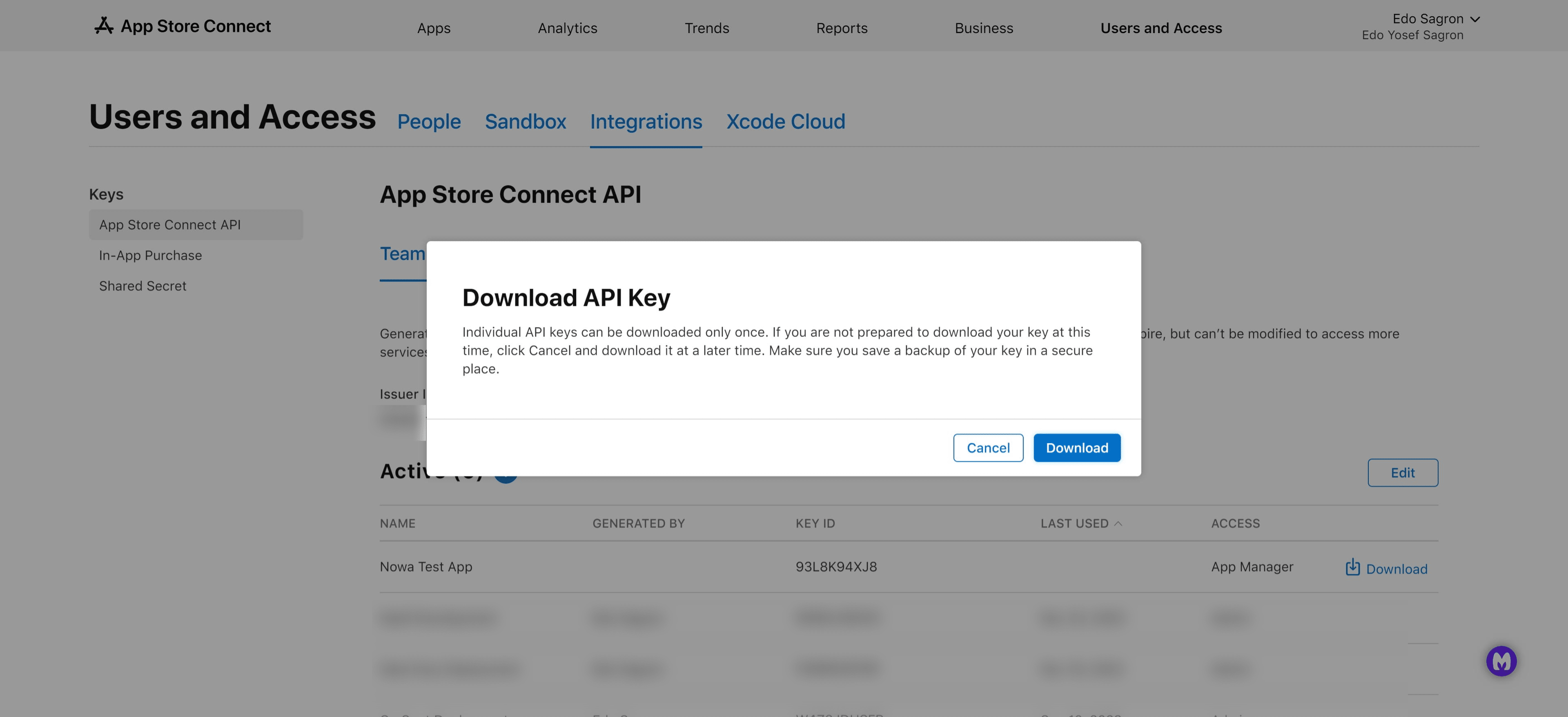
Click on "Download"
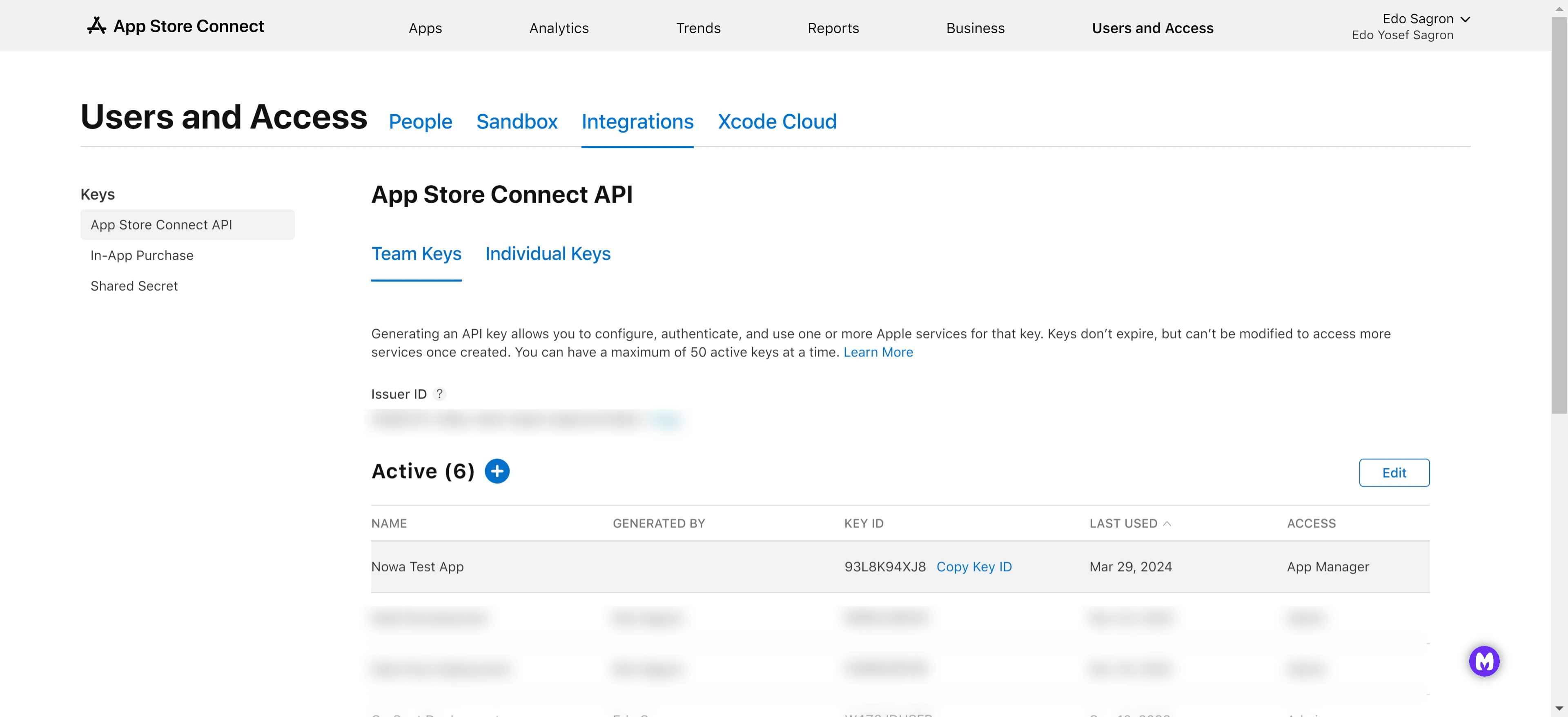
Click on "Copy Key ID"
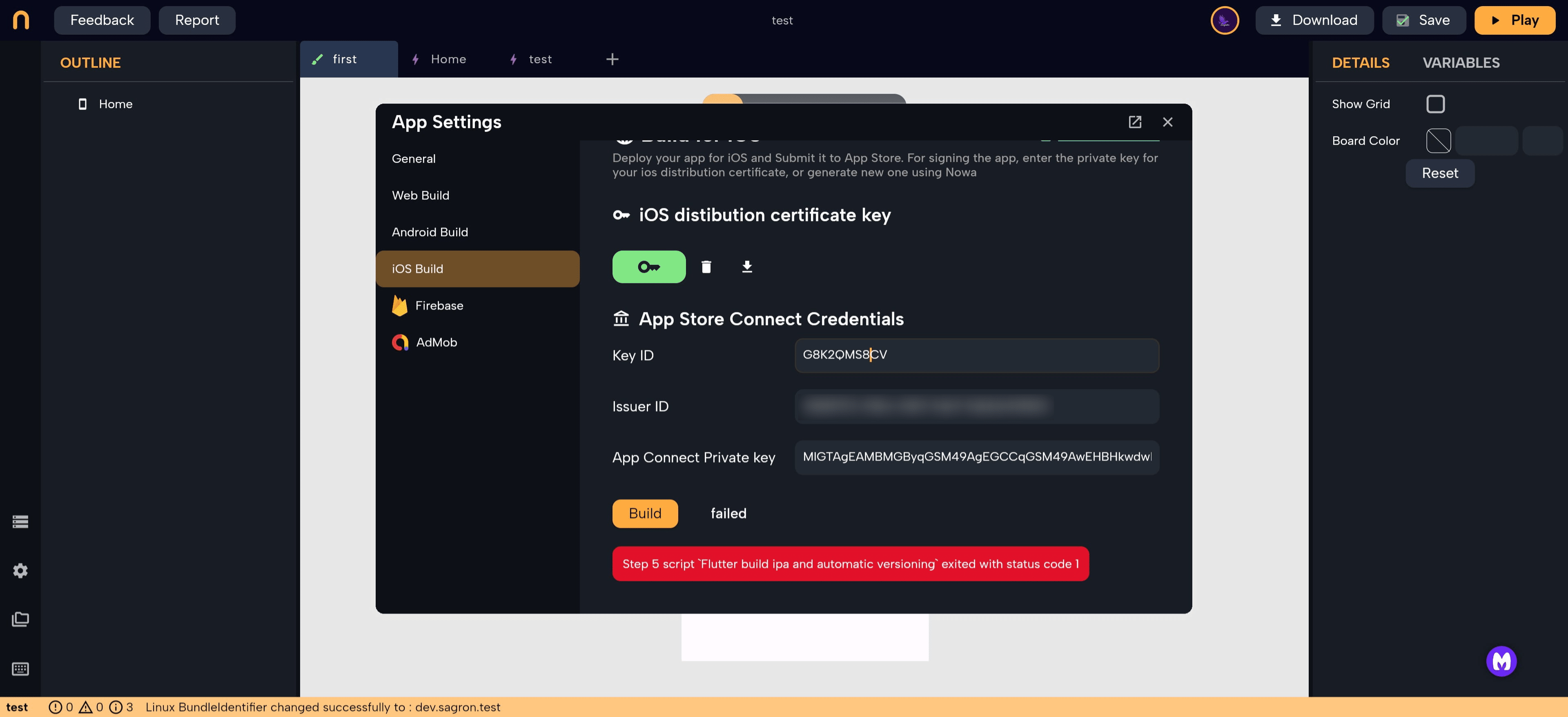
Navigate back to your Nowa app and fill in the different fields inside the "iOS Build" tab in the settings
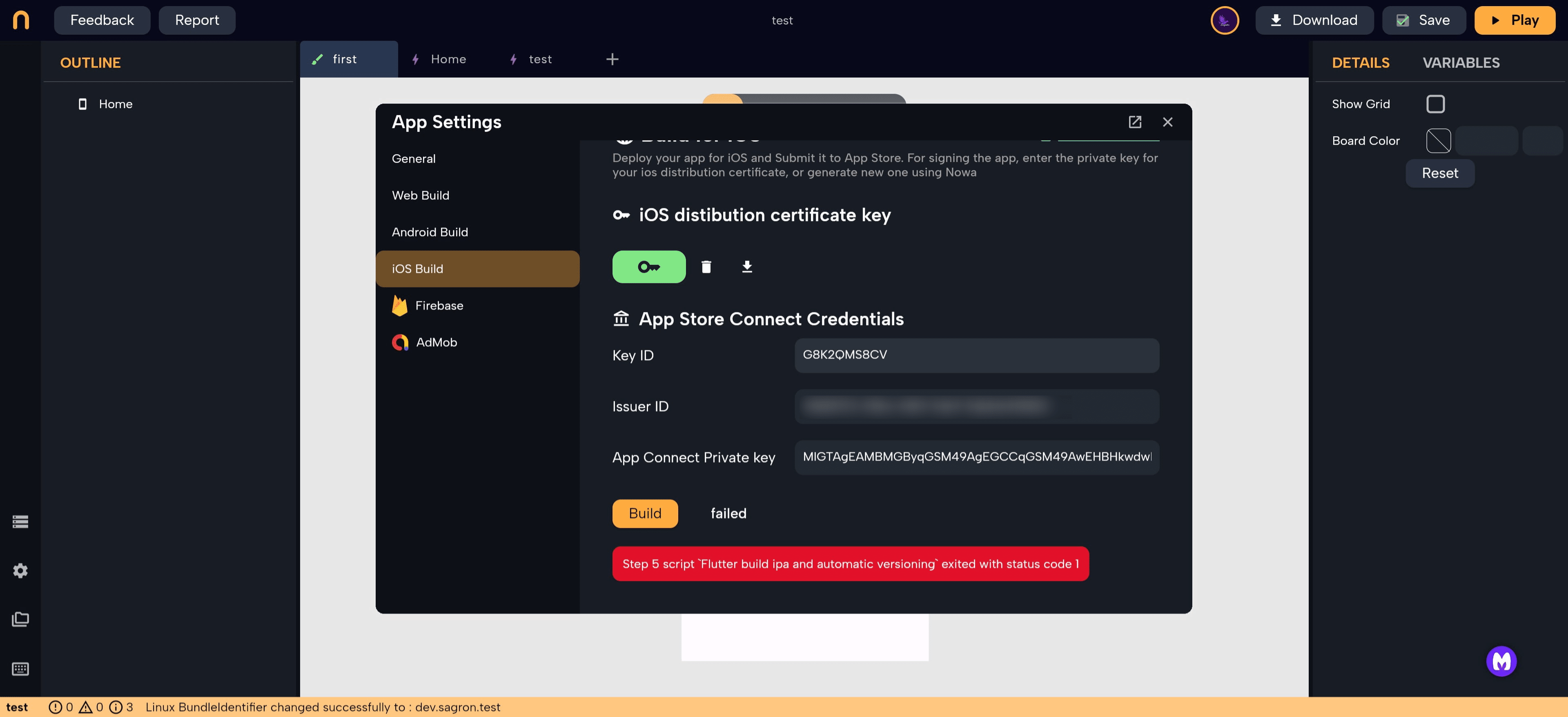
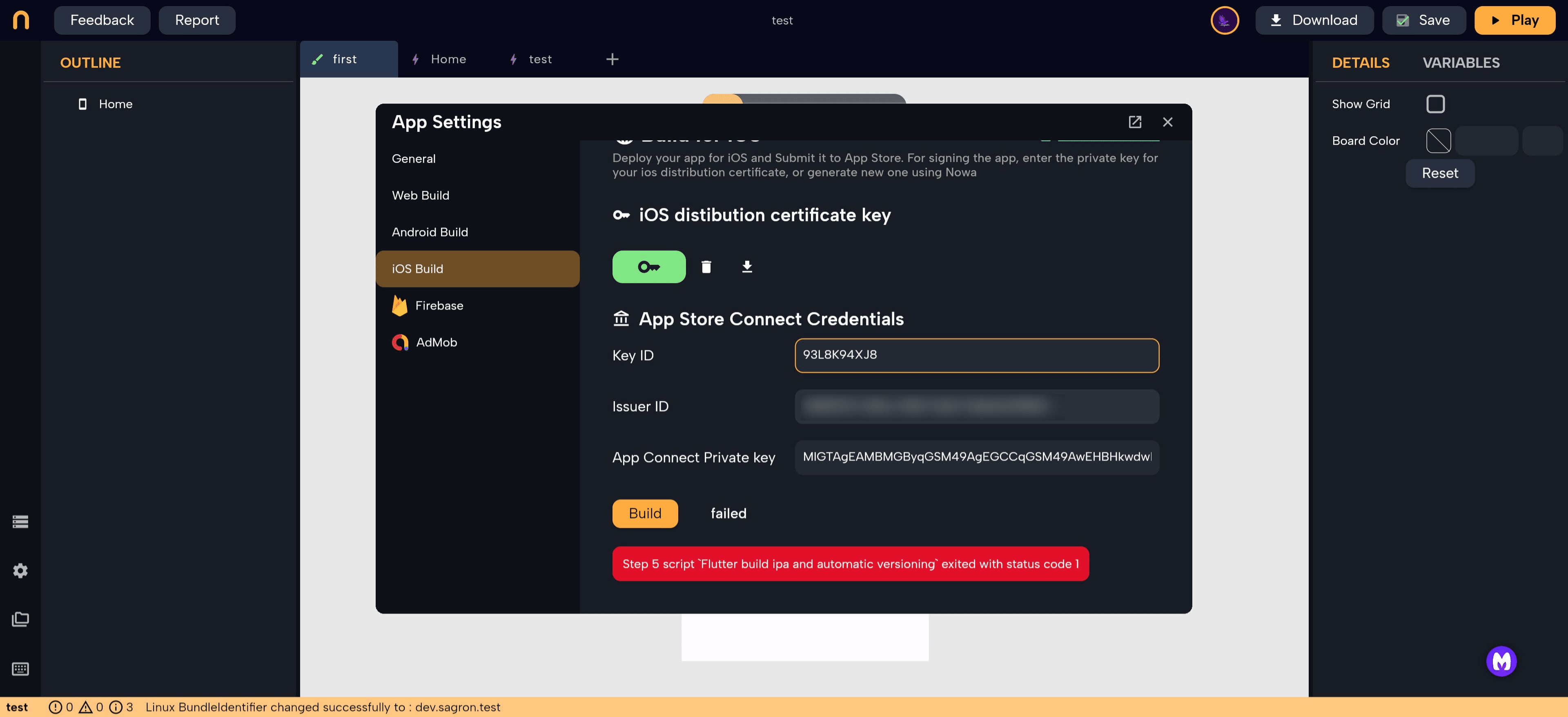
"Key ID" is the field we copied in step 28, paste it here
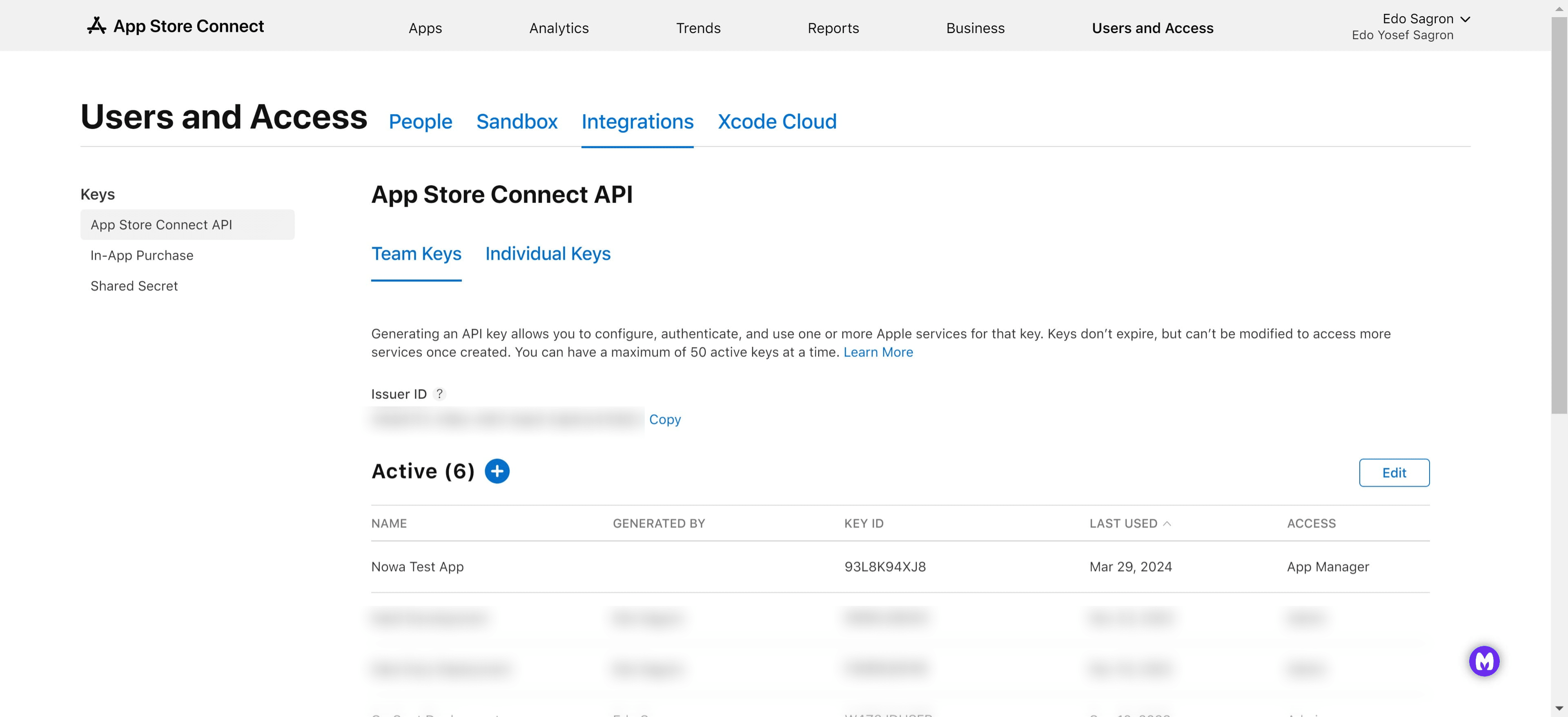
Go back to the App Store Connect and copy your "Issuer ID" which is found above the active keys
Now paste it into the "Issuer ID" field back in your Nowa app
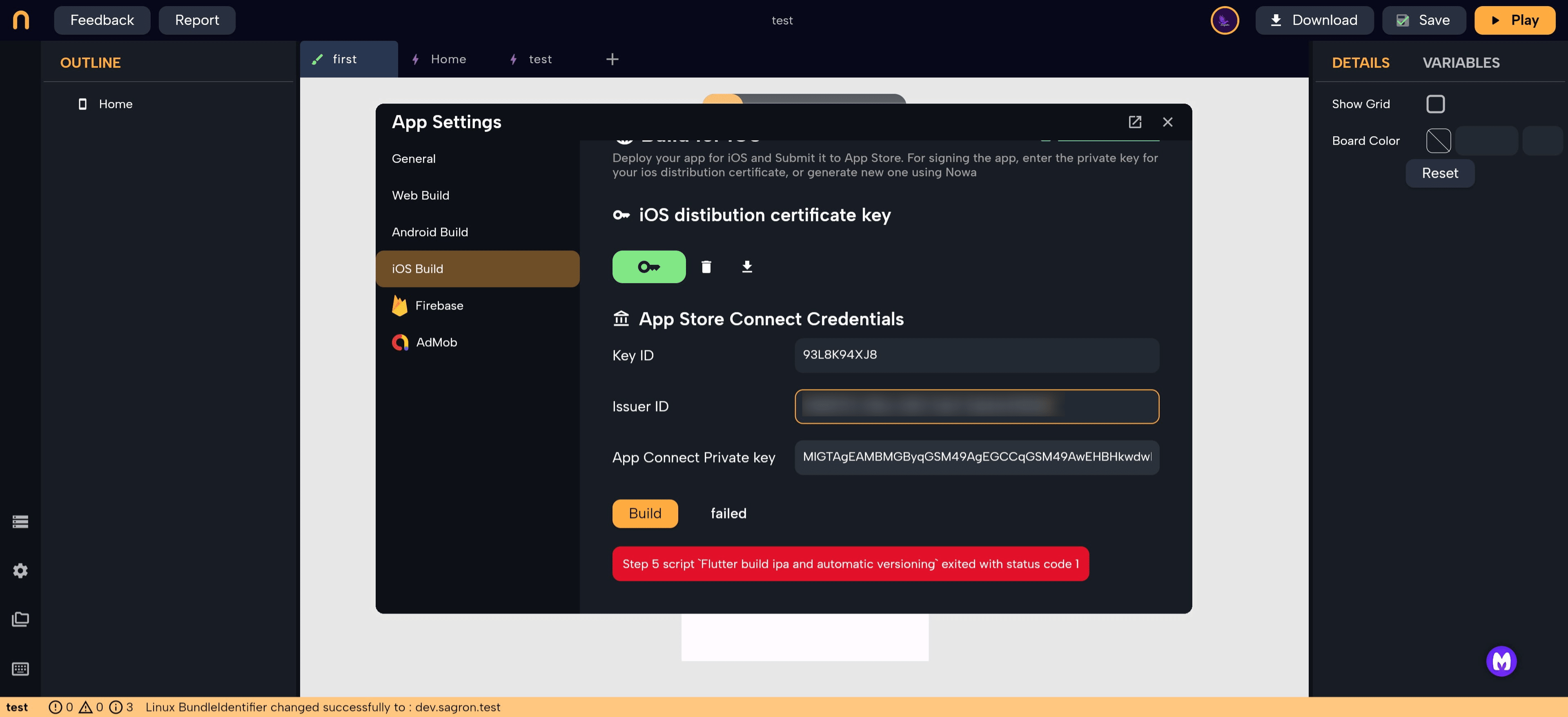
Now, open the key we downloaded in the previous stages in a notepad application and copy the secret key, and paste it into the "App Connect Private Key" field
Now you may build your application and deploy into the App Store!
Happy building 😁